
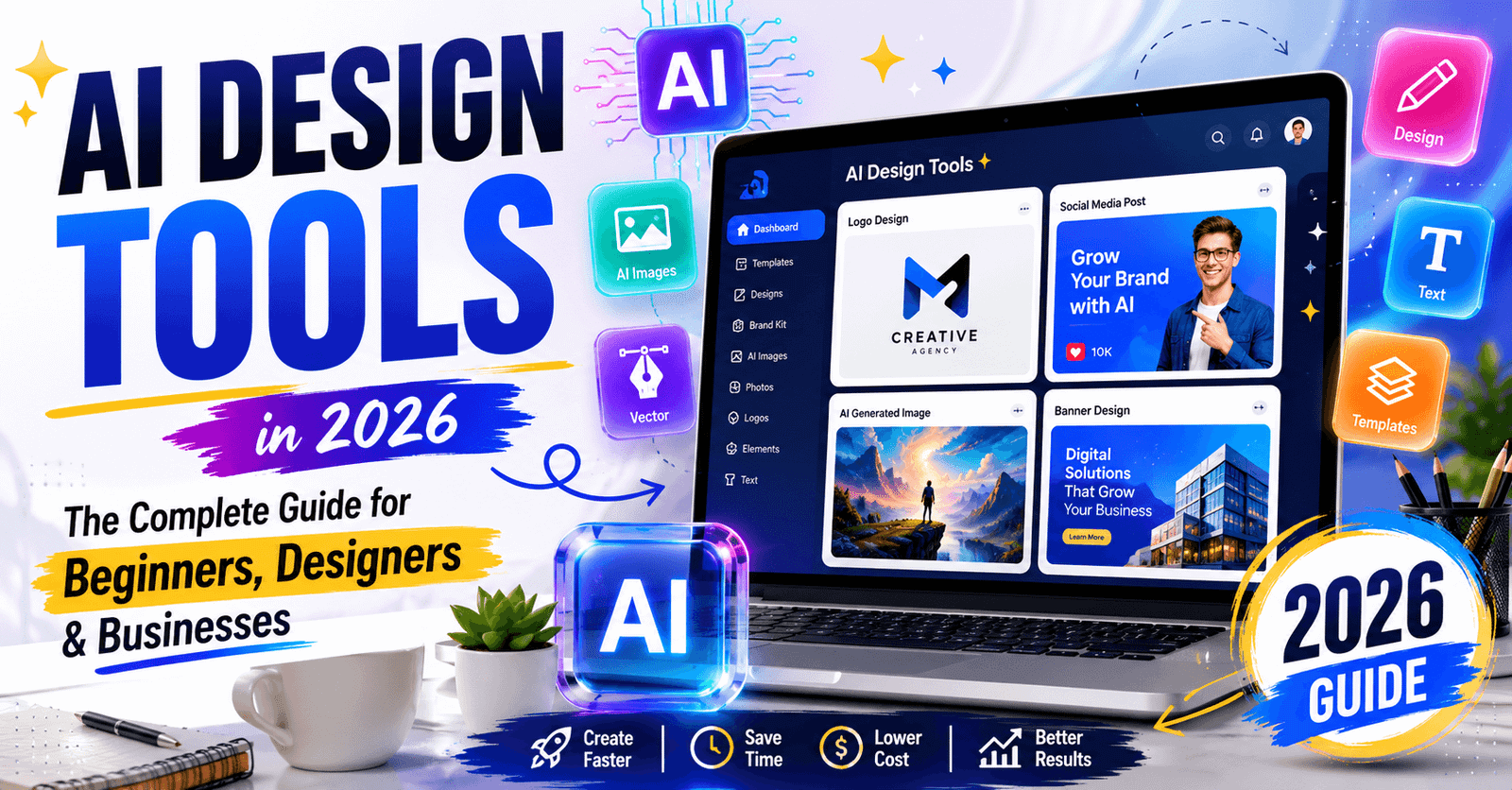
AI design tools have changed the way beginners, freelancers, and businesses create professional graphics, logos, and marketing visuals. Imagine spending hours creating a simple design only to feel disappointed with the final result. It happens to thousands of people every day because they lack the design skills, time, or budget to produce high-quality visuals.
Today, artificial intelligence makes the creative process much easier. From social media graphics and presentations to logos and website visuals, AI can help you create professional designs in minutes instead of hours.
After testing different AI-powered design platforms and seeing how marketers, designers, and businesses use them in real projects, one thing becomes clear: AI works best as a creative assistant rather than a replacement for human creativity. The right tool can save time, improve productivity, and help you create consistent, professional-quality designs.
In this complete guide, you will learn what AI-powered design software is, how these tools work, their benefits and limitations, common use cases, and how to choose the right platform for your needs. Whether you are a beginner, a professional designer, or a business owner, this guide will help you make more informed design decisions in 2026.
Learn more
Why AI Generated Images Look Fake (And How Designers Fix Them in 2026)
What Are AI Design Tools?
AI design tools are software applications that use artificial intelligence to help people create visual content. Instead of designing everything manually, AI analyzes your request and generates layouts, graphics, images, logos, or design suggestions within seconds.
These tools can assist with:
- Graphic design
- Logo creation
- Image generation
- Photo editing
- Social media graphics
- Website visuals
- Marketing materials
- Presentation design
Rather than replacing designers, AI works as a creative assistant that speeds up repetitive tasks while leaving creative decisions in human hands.
Learn more
Best AI Logo Design Tools in 2026: Which Ones Actually Work?
Why AI Design Tools Matter in 2026
The demand for visual content has never been higher. Businesses publish content daily across websites, blogs, social media, email campaigns, and online ads.
Creating everything manually can become expensive and time-consuming.
AI helps by:
- Reducing design time
- Improving productivity
- Lowering design costs
- Generating creative ideas
- Helping non-designers create professional visuals
For many small businesses, AI has made professional-quality design accessible without hiring a full-time designer.
ALSO READ
Testing Fotor AI Photo Editor on Real Design Tasks Honest Review
How AI Design Tools Work
Most AI graphic design tools follow a simple process.
Step 1: Enter Your Prompt
Describe what you want.
Example:
Create a modern blue logo for a digital marketing agency.
Step 2: AI Generates Multiple Options
Within seconds, the software creates different versions.
Step 3: Customize the Design
You can change:
- Colors
- Fonts
- Icons
- Layout
- Background
- Images
Step 4: Download Your Final Design
Export your work in the format you need for websites, social media, presentations, or print.
ALSO READ
DALL·E 3 in Practice: Where It Works and Where It Fails
Types of AI Design Tools
Different projects require different tools.
AI Graphic Design Tools
These tools create:
- Posters
- Flyers
- Infographics
- Social media posts
- Advertisements
They are popular among marketers and content creators.
Platforms like Canva AI help beginners and businesses create social media graphics, presentations, and marketing visuals with the support of artificial intelligence.
ALSO READ
AI-Powered Design Tools That Actually Save Time (What Works in Real Projects)
AI Logo Design Tools
Logo generators help businesses create brand identities quickly.
They can produce:
- Company logos
- Startup branding
- Icons
- Brand color suggestions
While AI can generate excellent concepts, many businesses still refine the final logo manually for uniqueness.
Learn more
How Canva’s AI Performs in Real Design Projects (My Experience)
AI Image Generation Tools
These tools convert text prompts into images.
Examples include:
- Product illustrations
- Concept art
- Blog featured images
- Marketing visuals
They are especially useful for businesses that need custom visuals without expensive photo shoots.
Learn more
Can AI Really Create Professional Logos? Real Tests & Results
AI Photo Editing Tools
AI can automatically:
- Remove backgrounds
- Improve image quality
- Enhance lighting
- Remove unwanted objects
- Restore old photos
This saves photographers and marketers significant editing time.
Learn more
Adobe Photoshop Graphic Design vs AI Tools: Best Choice in 2026
Real Experience: How AI Saved Hours on a Marketing Project
A small online business needed graphics for a product launch.
The owner had:
- No design experience
- Limited budget
- Tight deadline
Instead of outsourcing every design, AI was used to create banners, product mockups, social media graphics, and promotional images.
The results were impressive.
Tasks that previously required almost an entire day were completed in less than two hours. The final designs still received manual review to maintain brand consistency, but AI dramatically reduced production time.
This experience shows that AI works best as a productivity tool rather than a complete replacement for human creativity.
ALSO READ
How AI Is Transforming the Future of Digital Design (2026 Guide)
Benefits of AI Design Tools
Faster Design Process
Projects that once took hours can now be completed in minutes.
Lower Design Costs
Small businesses can create professional marketing materials without hiring a designer for every task.
Better Creative Inspiration
AI often suggests layouts, colors, and design ideas that users may not have considered.
Easy for Beginners
Most AI platforms require no advanced design skills.
Simple prompts are enough to begin creating.
Consistent Branding
Many tools help maintain consistent:
- Fonts
- Colors
- Templates
- Brand identity
This is especially useful for growing businesses.
Learn more
Why Your AI Graphic Design Looks Generic (10 Expert Ways to Make It Stand Out)
Limitations of AI Design Tools
Although AI is powerful, it is not perfect.
Some common challenges include:
- Generic-looking designs
- Copyright concerns with generated images
- Limited creative originality
- Incorrect text generation inside images
- Overdependence on automation
Professional designers still play an important role by improving AI-generated concepts and ensuring originality.
Learn more
AI Tools for Graphic Design: A Beginner’s Guide (2026 Update)
AI Design Tools vs Traditional Design Software
| AI Design Tools | Traditional Design Software |
|---|---|
| Faster workflow | More manual work |
| Beginner-friendly | Requires training |
| Lower learning curve | Steeper learning curve |
| Quick content creation | Greater creative control |
| Ideal for everyday projects | Ideal for complex professional work |
For many businesses, combining both approaches produces the best results.
Best Practices for Using AI Design Tools
To achieve better results:
- Write clear prompts.
- Generate multiple versions.
- Edit the final design manually.
- Keep branding consistent.
- Review spelling and typography.
- Verify image licensing when necessary.
- Avoid copying competitor designs.
These small habits improve design quality significantly.
Common Mistakes to Avoid
Many beginners make these mistakes:
- Using vague prompts
- Accepting the first AI result
- Ignoring brand consistency
- Overusing AI effects
- Forgetting to review final designs
Remember, AI assists creativity—it should not replace thoughtful design decisions.
Choosing the Right AI Design Tool
Before selecting a platform, ask yourself:
- What type of design do I create most?
- Do I need logo generation?
- Do I need photo editing?
- Will I create marketing graphics regularly?
- Does the tool fit my budget?
Choosing the right solution depends on your workflow rather than simply picking the most popular software.
The Future of AI Design Tools
Artificial intelligence continues to improve rapidly.
Future AI design software will likely provide:
- Better image quality
- Stronger brand personalization
- Faster design generation
- Improved collaboration
- More realistic graphics
- Better integration with creative software
Designers who learn to work with AI today will be better prepared for tomorrow’s creative industry.
Conclusion
AI design tools have transformed the way beginners, designers, and businesses create visual content. They save time, reduce costs, and make professional-quality design accessible to almost everyone.
However, the best results come from combining AI with human creativity. Use AI to speed up repetitive tasks, explore new ideas, and improve productivity, while relying on your own judgment to create unique and meaningful designs.
As AI continues to evolve, learning how to use these tools effectively will become an increasingly valuable skill for anyone working with digital content.
Frequently Asked Questions
AI design tools are software applications that use artificial intelligence to help users create graphics, logos, images, and marketing materials quickly with minimal design experience.
Yes. Most AI design platforms are built for beginners and provide simple interfaces, templates, and prompt-based design generation.
No. AI improves speed and productivity, but professional designers still provide creativity, strategic thinking, branding expertise, and quality control.
Marketing agencies, ecommerce businesses, bloggers, startups, educators, freelancers, and content creators all benefit from using AI for faster visual content creation.
Choose a tool based on your goals, budget, ease of use, design features, collaboration options, and the type of visual content you create most often.
One thought on “AI Design Tools in 2026: The Complete Guide for Beginners, Designers & Businesses”