
Your Website Might Be Losing Visitors Right Now — And You Don’t Even Know It
Core Web Vitals SEO can make the difference between a visitor who stays and one who leaves before your page even loads.
Picture this. A visitor lands on your page. They wait. And wait. Then they leave before they even see your content.
This happens more than you think. And it can cost you traffic, conversions, and valuable user engagement. The reason is often simple: poor Core Web Vitals performance.
In 2026, Google continues to focus on how pages perform for real users, not just how they look in a lab test. If your site is slow, unresponsive, or constantly shifts while loading, it creates a frustrating experience.
The good news? These problems are fixable. This guide will show you what’s going wrong and how to fix Core Web Vitals issues in plain, simple steps.
Learn more
SEO in 2026 Complete Guide to Ranking on Google for Beginners and Small Businesses
What Are Core Web Vitals SEO, Really?
Core Web Vitals are three scores Google uses to measure your page’s real-world experience. Think of them as a report card for your website’s speed and comfort.
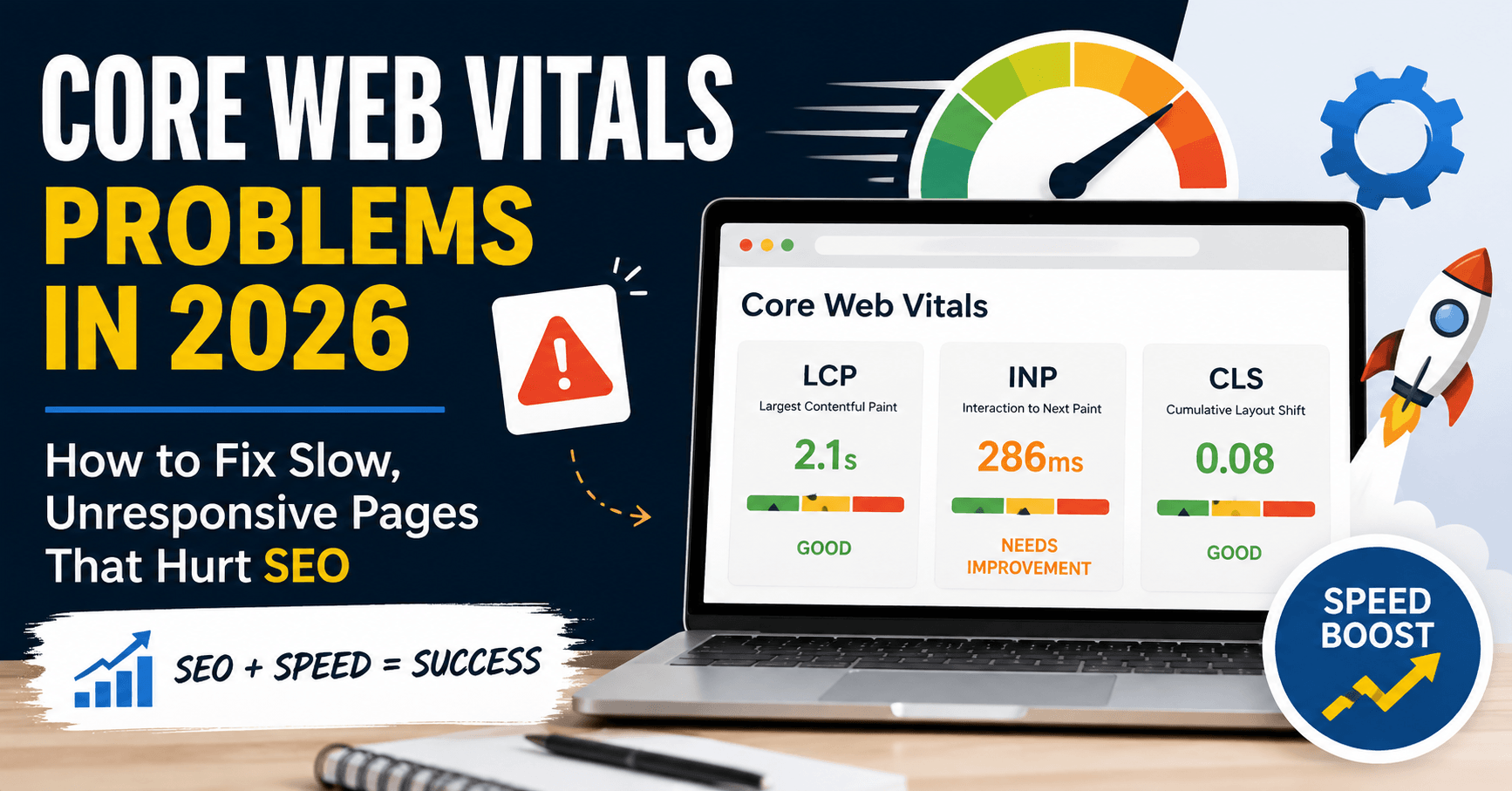
<cite index=”1-1″>The three metrics are Largest Contentful Paint (LCP), Interaction to Next Paint (INP), and Cumulative Layout Shift (CLS).</cite> Each one checks a different part of the user experience.
- LCP – How fast does your main content load?
- INP – How quickly does your page respond when someone clicks or taps?
- CLS – Does your page jump around while loading?
<cite index=”1-1″>Google grades every page as Good, Needs Improvement, or Poor</cite> based on these three scores.
Why Core Web Vitals SEO Metrics Matter for SEO in 2026
<cite index=”4-1″>Core Web Vitals have been a confirmed Google ranking signal since 2021, and they remain one of the most actionable technical SEO levers site owners have in 2026.</cite>
<cite index=”7-1″>Since Google’s March 2026 core update, these metrics carry more weight in rankings than ever before.</cite>
In short: a slow, glitchy website isn’t just annoying. It’s a direct SEO problem.
ALSO READ
SEO Keyword Cannibalization in 2026: How to Find Pages Competing for the Same Keyword
The Real Cost of Poor Core Web Vitals SEO
Slow pages don’t just frustrate people. They cost real money.
<cite index=”8-1″>According to a HubSpot web performance study, even a one-second delay in load time can reduce conversions by up to 7%.</cite>
That’s not a small number. For an online store making $10,000 a day, a one-second delay could mean $700 in lost sales — every single day.
There’s more. <cite index=”5-1″>Sites that pass all three Core Web Vitals thresholds see about 24% lower bounce rates than sites that fail.</cite> Lower bounce rates tell Google your page is useful. That helps your rankings too.
The Biggest Core Web Vitals SEO Problem in 2026: INP
Most site owners fix their images and call it a day. But there’s a bigger issue hiding underneath.
<cite index=”5-1″>43% of sites still fail the 200-millisecond INP threshold, making it the most commonly failed Core Web Vital in 2026.</cite>
Why does INP trip up so many sites? <cite index=”5-1″>Fixing it demands deep JavaScript changes that many teams simply aren’t equipped to make quickly, unlike CLS, which is a more straightforward fix.</cite>
Think of INP like a waiter at a busy restaurant. If you raise your hand and the waiter doesn’t notice for two minutes, you get annoyed. Slow INP is your website ignoring the “raised hand” of a click or tap.
Learn more
AI Search Optimization Is Changing SEO in 2026 — Why Your Old Strategy Is Failing
How Google Actually Measures Your Score
Here’s something many people get wrong. Google doesn’t just look at how your site performs in a test tool.
<cite index=”3-1″>Core Web Vitals are field data. Google grades your site using real Chrome users, scored at the 75th percentile across a rolling 28-day window.</cite>
This means:
- A perfect score in your dev tools means nothing if real visitors on mid-range phones have a slow experience.
- <cite index=”3-1″>Your page passes a metric only when at least 75% of real page views hit the “good” threshold.</cite>
- <cite index=”3-1″>Because CrUX data updates on a rolling 28-day window, you should wait several weeks after making a fix before judging whether it worked.</cite>
So if you fix your site today, don’t panic if your score doesn’t jump tomorrow. Give it time.
Core Web Vitals SEO Thresholds to Aim For
Keep these numbers in mind. They are your targets.
| Metric | What It Measures | Good Score |
|---|---|---|
| LCP | Loading speed | <cite index=”1-1″>Under 2.5 seconds</cite> |
| INP | Responsiveness | <cite index=”1-1″>Under 200 milliseconds</cite> |
| CLS | Visual stability | <cite index=”1-1″>Under 0.1</cite> |
How to Fix Slow LCP (Loading Speed)
A slow LCP means visitors stare at a blank or half-loaded screen. That’s a bad first impression.
<cite index=”5-1″>The four highest-impact fixes for slow LCP are image preloading, critical CSS inlining, font preloading with display swap, and server-side rendering.</cite>
In simple terms:
- Compress your images. Large image files are the #1 cause of slow loading.
- Load the important stuff first. Don’t make your homepage wait on things visitors don’t see right away.
- Use a fast hosting provider or CDN. A content delivery network stores your site closer to your visitors, so it loads faster.
Real-World Example
Imagine two coffee shops. One hands you your order the moment you walk in. The other makes you wait five minutes while they find your cup. You know which one you’d visit again. Your website is no different.
How to Fix Poor INP (Responsiveness)
This is the hardest metric to fix — but also the one with the biggest opportunity, since so many competitors are still struggling with it.
Here’s how to start:
- Break up long JavaScript tasks. Big chunks of code can freeze your page. Split them into smaller pieces.
- Remove unused scripts and plugins. Every extra tool your site loads adds delay.
- Delay non-essential scripts. Chat widgets, trackers, and pop-ups can load after the main content.
- Test on a real phone. Not just your laptop. Most poor INP scores show up on mid-range mobile devices.
How to Fix Layout Shift (CLS)
CLS problems happen when buttons or text jump around while a page loads. You’ve probably tapped the wrong button because of this. It’s frustrating — and Google notices.
<cite index=”5-1″>Every image, video, iframe, and ad slot needs explicit width and height attributes to prevent layout shift.</cite> <cite index=”5-1″>Font-display swap and reserved space for dynamic content help eliminate the remaining shift sources.</cite>
Simple checklist:
- Set a fixed size for every image and video.
- Reserve space for ads before they load.
- Avoid inserting new content above existing content.
Which Metric Should You Fix First?
Don’t try to fix everything at once. That’s overwhelming, and it wastes effort.
<cite index=”3-1″>Fix whichever metric is in the “poor” band first. Then tackle INP, since it’s the hardest. Then LCP, because it has the highest commercial impact. Save CLS for last, since it’s the easiest to fix.</cite>
This order helps you get the biggest wins with the least wasted time.
Simple Tools to Check Your Scores
You don’t need to guess. <cite index=”6-1″>Tools such as Chrome User Experience Report, PageSpeed Insights, Lighthouse, and browser performance APIs can help you diagnose issues on your site.</cite>
Start with Google’s free PageSpeed Insights tool. Type in your URL. It will show you your LCP, INP, and CLS scores, along with specific suggestions.
Why This Matters Beyond SEO
Core Web Vitals aren’t just a Google checkbox. They reflect real respect for your visitors’ time.
A fast, stable, responsive website tells people: “We care about your experience here.” A slow, jumpy one says the opposite — even if you never meant it that way.
Conclusion: Small Fixes, Big Rewards
Fixing Core Web Vitals SEO issues isn’t about chasing a perfect score. It’s about giving real people a smooth, respectful experience on your site.
Start small. Compress your images. Clean up unused scripts. Set fixed sizes for your media. Check your scores. Then check again in a few weeks.
Every fix you make brings you closer to happier visitors, lower bounce rates, and stronger rankings. Your website doesn’t need to be perfect today — it just needs to get a little better than yesterday.
Take five minutes right now. Run your site through PageSpeed Insights and see where you stand. That’s the first step toward fixing it.
Frequently Asked Questions
A. Core Web Vitals SEO refers to optimizing your page’s loading speed, responsiveness, and visual stability to improve Google rankings. In 2026, these signals carry more ranking weight than ever, making them essential for visibility.
A. INP (Interaction to Next Paint) is the hardest. It requires deep JavaScript changes, and many sites still fail this metric because of heavy or poorly optimized code.
A. Google measures results using a rolling 28-day window of real user data. You should wait several weeks after making changes before judging whether your fix worked.
A. Yes. Studies show even a one-second delay in page load time can lower conversions by up to 7%. Slow pages also increase bounce rates, which can hurt your rankings further.
A. Cumulative Layout Shift (CLS) is usually the easiest. Adding fixed width and height to images, videos, and ad slots quickly reduces layout shift problems.



2 thoughts on “Core Web Vitals Problems in 2026: How to Fix Slow, Unresponsive Pages That Hurt SEO”