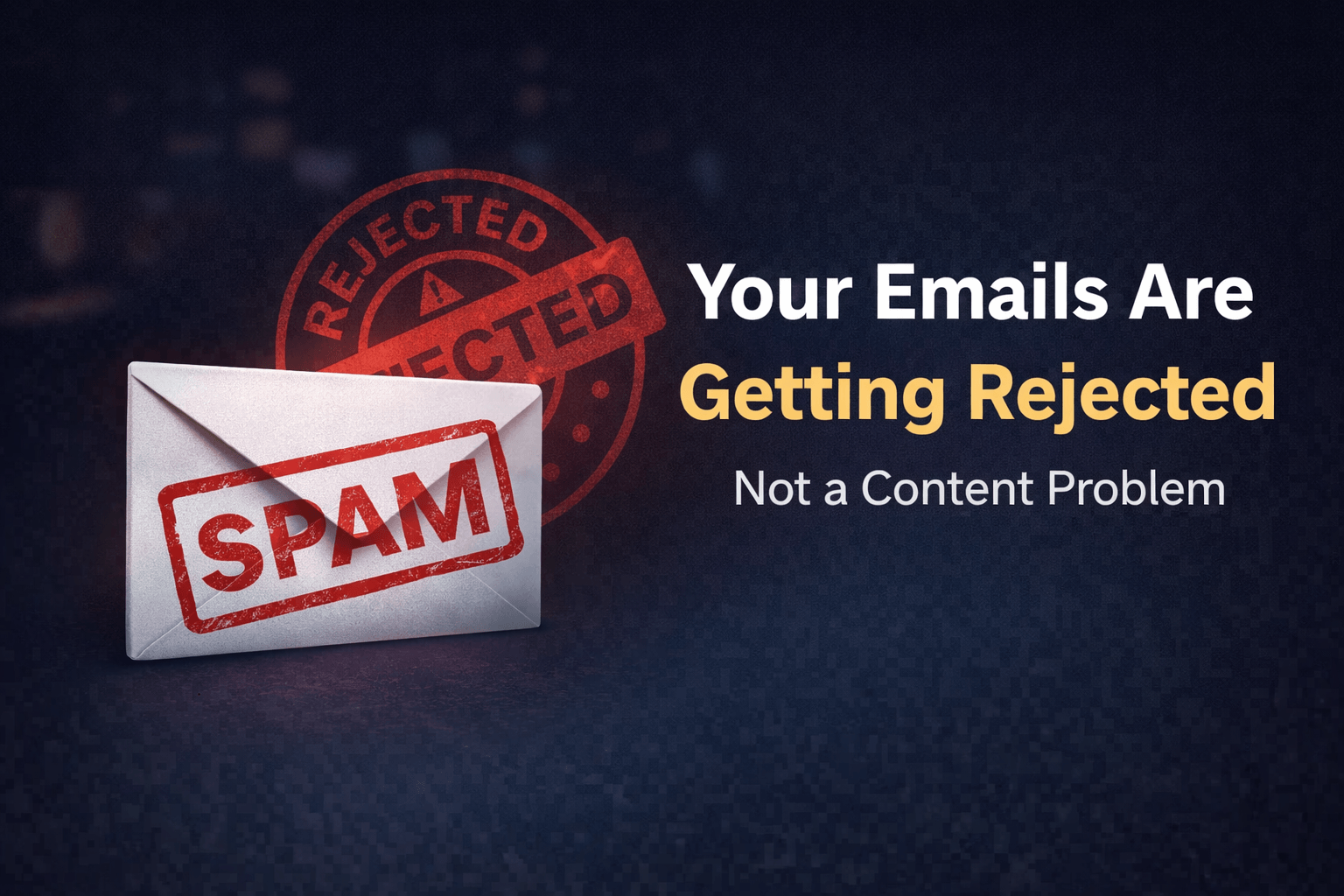
Your email going to spam is killing your results.
You send emails but no opens, no clicks, no response.
It feels confusing. You wrote a good email. You followed best practices.
Still… it lands in spam.
If this sounds familiar, you’re not alone.
And the problem is not just your email it’s what’s happening behind the scenes.
The Real Problem: Email Going to Spam in 2026
Most people think:
“Spam words cause spam.”
That’s outdated.
In 2026, spam filters are smarter.
They check trust, behavior, and technical setup.
If your email:
- Looks suspicious
- Comes from low trust domain
- Gets low engagement
It goes straight to spam.
Learn more
Email Marketing in 2026 Complete Guide from Setup to Automation and Conversions
Email Going to Spam Case Study: Good Emails but Zero Inbox Placement
We analyzed an email campaign for a U.S.-based business.
Here’s what was happening:
- 5,000 subscribers
- Well-written emails
- Consistent sending
But results were poor:
- Open rate: under 8%
- High spam placement
- Almost no clicks
What Was the Issue?
- Domain not authenticated
- Emails sent to cold audience
- No engagement history
After fixing these, inbox placement improved within 2 weeks.
ALSO READ
Why Your Email Open Rates Are Dropping in 2026 (Inbox Placement Fix)
What Actually Triggers Email Going to Spam
1. No Domain Authentication
This is the biggest issue.
If you don’t have:
- SPF
- DKIM
- DMARC
Email providers don’t trust you.
Result? Spam folder.
2. Low Engagement Signals
Spam filters track user behavior.
If people:
- Don’t open emails
- Don’t click
- Delete quickly
Your reputation drops.
3. Sending to Cold or Bought Lists
This kills deliverability.
If users didn’t sign up:
- They ignore emails
- They mark as spam
Your domain gets flagged.
4. Poor Email Content Structure That Leads to Email Going to Spam
Not just words—structure matters.
Spam triggers:
- Too many links
- All caps subject lines
- Overuse of promotional language
5. Inconsistent Sending Behavior
Sending randomly is risky.
Example:
- No emails for weeks → sudden bulk send
Looks suspicious to filters.
Learn more
Email Marketing Funnel in 2026: How US Brands Turn 500 Leads Into Paying Clients
How to Fix Email Going to Spam (Step-by-Step)
Step 1: Set Up Authentication
Make sure you have:
- SPF record
- DKIM signature
- DMARC policy
This builds trust instantly.
Step 2: Warm Up Your Domain
Start slow.
- Send to small list
- Increase volume gradually
- Focus on engagement
This improves sender reputation.
Step 3: Clean Your Email List
Remove:
- Inactive users
- Fake emails
- Cold contacts
Quality > quantity
Step 4: Improve Email Engagement
Ask users to:
- Reply
- Click
- Save your email
Engagement = inbox placement
Step 5: Fix Your Content Strategy
Write like a human.
Avoid:
- Spammy phrases
- Too many links
- Hard selling
Focus on value.
Signs Your Email Going to Spam Issue Is Getting Worse
Check these signals:
- Low open rates (under 10%)
- High bounce rate
- No replies or clicks
- Sudden drop in performance
These are warning signs.
The Shift in Email Marketing in 2026
Old mindset:
Send more emails
New mindset:
Build trust and engagement
Inbox placement now depends on:
- Reputation
- Behavior
- Consistency
Conclusion
If your email going to spam, the issue is not just your content.
It’s your trust, setup, and engagement signals.
Fix these—and everything changes.
Your emails will reach inboxes.
People will open them.
And your results will improve.
Start focusing on trust, not just sending.
FAQs
A. Because of low domain trust, poor engagement, or missing authentication like SPF, DKIM, and DMARC.
A. Set up authentication, clean your list, and improve engagement with your audience.
A. Less than before. Today, trust signals and user behavior matter more.
A. It can take a few days to a few weeks depending on your domain reputation.
A. Yes. Sending to cold or inactive users lowers trust and increases spam risk.