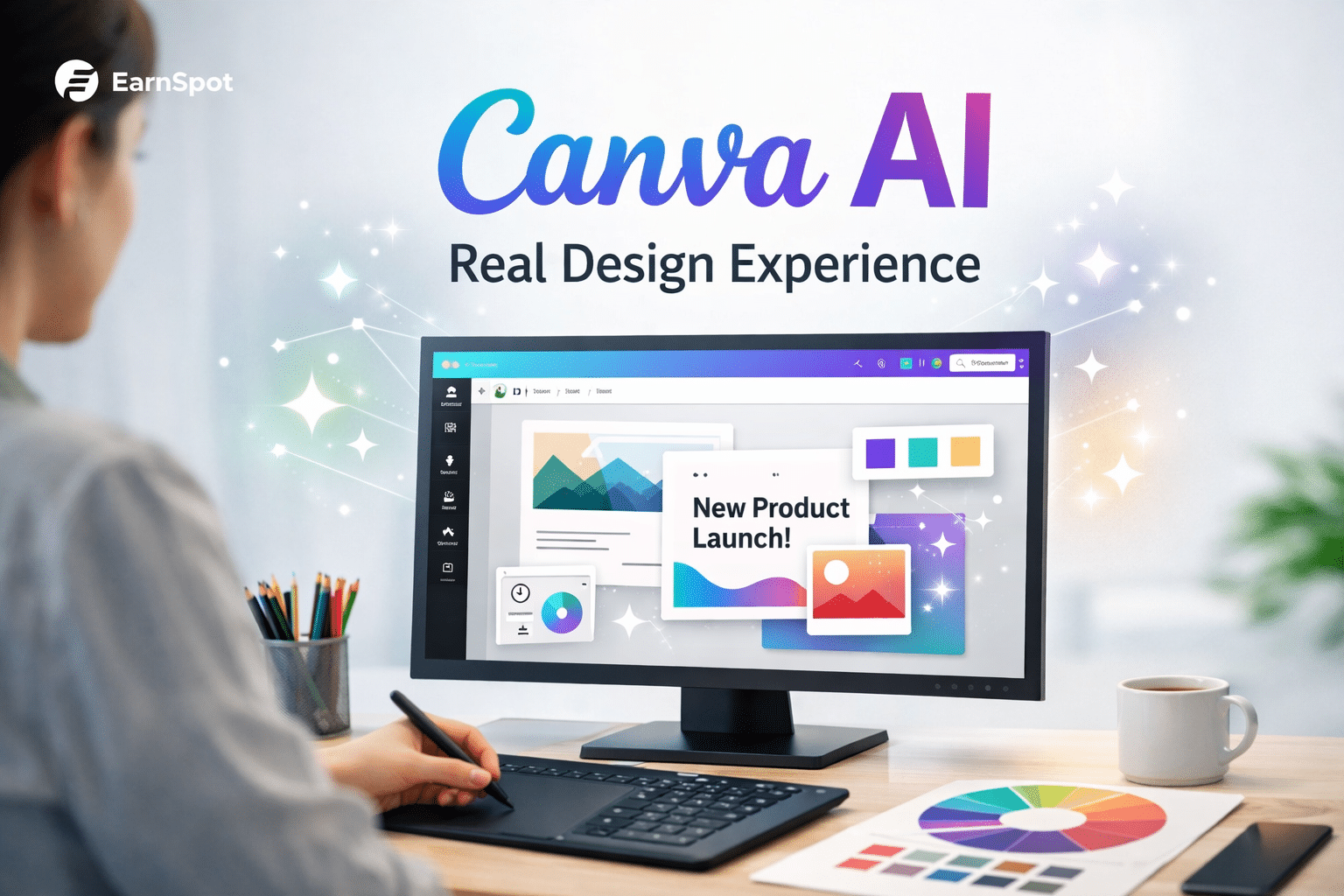
Design deadlines are tight, and teams need practical ways to work faster. Canva AI features can help with first drafts, image edits, layouts, and marketing visuals. The important question is whether the result meets the project’s quality and brand requirements.
This guide explains where Canva’s AI features may save time, where manual refinement is still needed, and how to review outputs before using them in client or business work.
Why Designers Are Turning to Canva AI Features
Canva added AI to solve a real problem: speed.
Designers and marketers use it because:
- Projects move fast
- Budgets are tight
- Non-designers need usable tools
For many teams, Canva AI feels like a shortcut.
But shortcuts only work if the results hold up.
ALSO READ
Can AI Really Create Professional Logos? Real Tests & Results
How to Evaluate Canva AI on Common Design Tasks
A useful evaluation compares the same brief across several tasks, such as a social post, a presentation visual, and a product promotion. Review each result for accuracy, editability, brand consistency, and the amount of correction required before publication.
Project Types Tested
- Social media graphics
- Marketing banners
- Blog featured images
- Brand visuals for small businesses
Each design was judged on:
- Visual quality
- Brand consistency
- Customization level
- Time saved vs effort spent
This helped reveal where Canva AI features shine—and where they struggle.
Canva AI Features That Actually Perform Well
Some Canva AI tools genuinely help in daily work.
Features That Save Time
- Magic Design for quick layout ideas
- Text-to-image for placeholders and concepts
- Background remover for fast edits
- Auto resize for multi-platform content
For fast marketing visuals, these features reduce workload.
Learn more
AI Design Tools in 2026: The Complete Guide for Beginners, Designers & Businesses
Where Canva AI Falls Short in Professional Design
This is where expectations matter.
Limitations I Faced
- Designs can look repetitive
- Limited control over fine details
- Weak support for complex brand systems
- AI images often need manual cleanup
They assist, but they don’t replace design judgment.
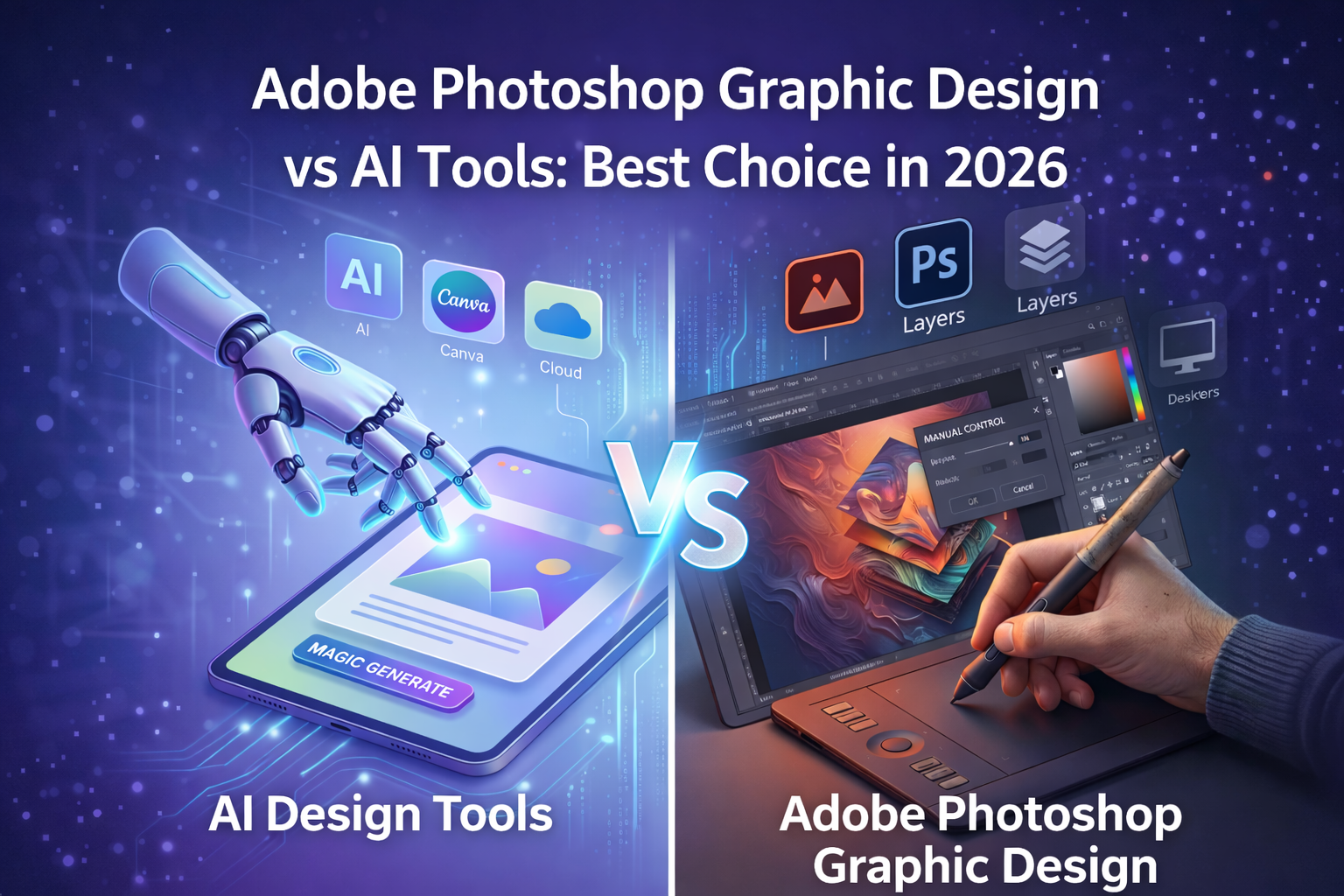
Canva AI vs Professional Design Tools
| Area | Canva AI | Pro Design Tools |
|---|---|---|
| Speed | Very fast | Moderate |
| Flexibility | Limited | High |
| Brand Control | Basic | Advanced |
| Learning Curve | Easy | Steep |
| Best Use | Marketing visuals | Brand identity |
Canva AI features work best inside clear boundaries.
Best Way to Use Canva AI in Real Projects
From experience, this workflow works best:
Smart Design Workflow
- Use Canva AI for ideas and drafts
- Choose one strong layout
- Customize fonts, spacing, and colors
- Final check for brand consistency
This keeps quality high while saving time.
When Canva AI Is a Bad Choice
Avoid relying only on Canva AI when:
- Designing full brand identities
- Creating high-end client logos
- Working with strict brand guidelines
- Handling print-heavy projects
In these cases, precision matters more than speed.
For image cleanup and editing-focused workflows, see our review of the Fotor AI photo editor.
ALSO READ
AI Tools for Graphic Design: A Beginner’s Guide (2026 Update)
Real Verdict: Are Canva AI Features Worth Using?
Yes but only when used correctly.
Canva AI features are excellent assistants, not full designers.
They help teams move faster, but humans still make final decisions.
Used smartly, Canva AI boosts productivity without hurting quality.
Conclusion
Canva AI features perform well for real design projects when speed matters and expectations are clear.
They are tools—not replacements.
If you treat Canva AI as a helper, not a designer, it becomes a powerful part of your workflow.
FAQs
A. Yes, for marketing visuals and quick projects—not for full brand identities.
A. No. It supports designers but cannot replace creative judgment.
A. Yes, especially for social media and content graphics.
A. Not always. Customization is needed to avoid generic looks.
A. Marketers, small teams, and non-designers working on fast content.