
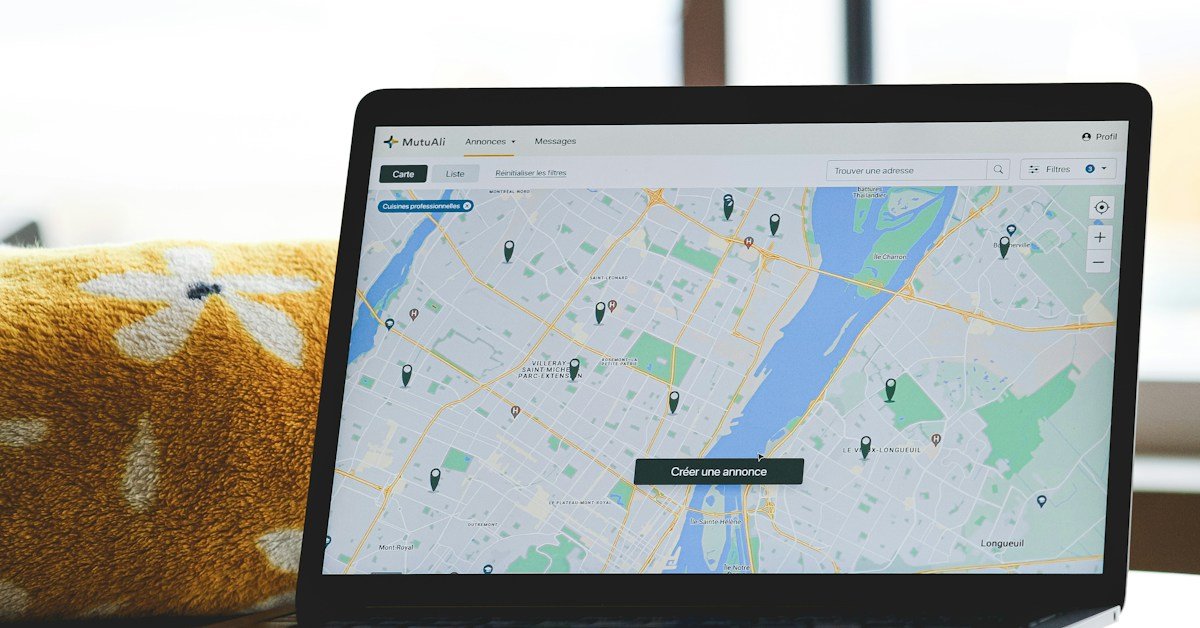
Local SEO for small businesses helps nearby customers find your business on Google Search and Maps. This guide shows you how to set up your profile, improve your pages, earn trust, and track leads. You will also learn what to avoid.
What Is Local SEO for Small Businesses?
Local SEO means helping people find your business when they search for a service nearby. It can help a dentist, plumber, shop, accountant, or other local business. Google may show a map and a short list of nearby businesses. This is often called the local pack.
Local search has two main parts: your Google Business Profile and your website. Both should give clear and correct details about your business. Local SEO for small businesses works best when those details are consistent across the website and the real business profile.
Choose the Right Plan for Your Business Type
Start by checking how customers meet your business. This choice affects your address, profile, and website pages.
- Storefront: Customers visit your shop or office. Show the real address and correct hours when allowed.
- Service-area business: You travel to customers, such as a plumber or house cleaner. Follow Google’s rules on hiding your address and listing the areas you serve.
- Hybrid business: Customers visit you and you also travel to them. Use the real public location and set service areas only when the rules allow it.
- Multi-location business: Each real location needs correct details. Give each location page useful facts that make it different from the others.
Do not create a new profile or page for a place where you do not have a real business location or valid service. Check Google’s current rules before making changes.
How Local SEO for Small Businesses Appears in Google Results
Google says local results depend mainly on relevance, distance, and prominence. These words sound complex, but the ideas are simple.
- Relevance: Does your business match what the person wants?
- Distance: How far is your business from the person?
- Prominence: How well known and trusted is your business?
Although you cannot control every factor, clear business details, good service, and steady trust-building are within your control. Google does not sell better local rankings.
Step 1: Improve Your Google Business Profile for Local SEO
Your Google Business Profile shows key facts about your business in Search and Maps. Claim and verify it if your business meets Google’s rules. Keep the details up to date.
Local SEO for Small Businesses: Use Your Real Business Name
Use the name customers know. Do not add extra city names or keywords just to rank. Choose the main business category that best fits what you do. Add other categories only when they also fit.
Check Every Local Business Detail
- Add the right phone number and website.
- Set correct hours, including holiday hours.
- Choose the right service and business details.
- Add real photos of your team, shop, or work.
- Show your address only when it fits Google’s rules.
- Check for old or duplicate profiles.
Do not use a fake office or a false address. If you visit customers instead, read Google’s rules for service-area businesses. Your profile should help people find a real business.
Step 2: Find the Right Local SEO Keywords
Local keyword research helps you learn what customers type into Google. Start with your main service. Add a city or area only when you really serve it.
Local SEO for Small Businesses: Keyword Types
- Service: “emergency plumber” or “family dentist.”
- Place: a real city or area you serve.
- Problem: “why is my drain blocked?”
- Cost: “air conditioner repair cost.”
- Choice: “best accountant for a small business.”
For example, a firm that serves Austin could check “Austin HVAC repair.” It could also check “air conditioner repair cost in Austin.” These are examples, not claims about search volume.
Use Google Search Console, Keyword Planner, and a keyword tool to check demand. Our guide on increasing website traffic explains more ways to reach the right visitors. Give each main service its own clear page. Do not create many city pages that say almost the same thing.
Step 3: Local SEO for Small Businesses: Service and Location Pages
A visitor should quickly learn what you do, where you work, and how to contact you. Put these facts near the top of each main page.
Local SEO for Small Businesses: What to Add to a Service Page
- A clear summary of the service.
- The customers you help and the problems you solve.
- Service locations your business genuinely covers.
- Steps in your work process.
- Price details, if you can share them.
- Real photos or work examples.
- Contact details and a clear next step.
- Links to related pages on your site.
Each location page should add real value. It could show local hours, staff, services, parking, or work done in that area. Do not publish pages that only change the city name. Pages made only to catch search visits can hurt trust and may break Google’s spam rules. For eligible businesses serving more than one area, useful location pages can support local SEO for small businesses by answering genuine local questions.
Step 4: Keep Local Business Listings Correct
A citation is an online listing that contains important facts about your business. These details may include your business name, address, phone number, website, and category. Accurate listings help customers find and verify your business.
To improve your local listings, follow these steps:
- Record your official business name, phone number, website, and public address or service area.
- Review reputable websites that customers use to find businesses in your industry.
- Update outdated contact details so customers can reach you without confusion.
- Merge or remove duplicate listings wherever the directory allows it.
- Choose trusted local and industry directories that match your business. In the US, examples include Bing Places, Apple Business Connect, Yelp, local Chambers of Commerce, and relevant trade directories.
- Maintain a simple tracking sheet with each listing URL and its last review date.
Avoid paying for hundreds of low-quality listings. A smaller number of accurate, reputable directories is more useful than a long list of spam websites. Never use a fake business address or claim an office you do not have.
Consistent and accurate listings support local SEO for small businesses by helping customers verify business information and contact the right company.
Step 5: Earn Honest Customer Reviews for Local SEO
Reviews help people decide whom to trust. Ask real customers for honest feedback after you help them. Make it easy to leave a review, but do not ask only happy customers.
- Share your review link after the job or sale.
- Ask in a polite and neutral way.
- Never buy reviews or post fake customer feedback.
- Avoid offering gifts in exchange for positive reviews.
- Reply with care and keep private details out of public replies.
- Offer a private way to fix a real service problem.
Good replies show that you listen. They do not promise better rankings, but they can help future customers see how you treat people. A fair review process supports local SEO for small businesses by helping potential customers assess real customer experiences.
Step 6: Build Local Authority and Relevant Links
Do not buy random links to try to rank. Build links and mentions through real work in your town or field.
- Join useful local business groups.
- Take part in events that fit your work.
- Work with trusted local partners when it helps both sides.
- Share helpful guides or real project stories.
- Ask a site to mention your work when you have made a real contribution.
Focus on real ties, not just links. Avoid paid link schemes that aim to trick search engines. A real local link may also send visitors who need your service.
Step 7: Check Website Basics for Local Search
Local pages still need to work well for people and search engines. Use this list before you spend more time on new content.
- Confirm that key pages load and are not accidentally set to “noindex.”
- Review robots.txt to ensure it does not block pages or files that Google needs.
- Use a canonical tag when similar URLs need one main version. It is a signal, not a sure command.
- Keep your XML sitemap up to date with pages you want indexed.
- Use normal links so people and search engines can reach key pages.
- Test pages on phones and check how fast they load. See our guide to Core Web Vitals for more page speed checks.
- Use schema only when it matches the page and Google’s current rules. LocalBusiness schema can describe facts like your business name, address, hours, and phone number.
If a page does not show in Google, use URL Inspection in Search Console. Check what Google can read and whether it has indexed the page. Our guide to diagnosing pages that do not rank can help you find the next step. A sitemap or an indexing request does not promise that Google will list a page.
Step 8: Measure Local SEO Results Each Month
Do not judge your work from one ranking check. Local results can change by place, device, and search term. Track both visibility and business results.
- Search Console: Check clicks, views, search terms, and pages.
- Business Profile: Review the data shown in your current profile dashboard.
- Analytics: Track visits, calls, forms, bookings, or sales when tracking works.
- Rank checks: Follow the same set of terms and areas over time.
- Lead quality: Check which calls and forms turn into real work.
Make a short report each month. List what you changed, what moved, how many leads came in, and what you will do next. This helps you spend time on work that matters. Use qualified calls and enquiries to judge local SEO for small businesses by outcomes as well as visibility.
Local SEO Competitor Analysis: Find Content Gaps
Top pages can show what searchers expect to learn. But do not copy their text or assume that every page misses the same thing. Check the results for your main service and target area first.
- Search a main service and a real city, such as “Austin HVAC repair.”
- Open three relevant pages that rank for that search.
- Note what each page explains: service details, areas, prices, proof of work, and contact steps.
- Write down what is unclear or missing for a customer.
- Add only useful details your business can support, such as a real project example, clear process, service limits, or a helpful cost guide.
- Check that your new page answers a different need from your other pages.
Use a simple worksheet: search term, page checked, question it answers, useful detail missing, and change to make on your own page. The aim is to help the visitor more, not to make a longer page for its own sake.
Your 30-Day Local SEO Plan
Use this plan to start. A firm with many locations may need more time than a one-location business.
Check Local SEO Basics
- Claim or verify your Business Profile if eligible.
- Check your name, category, phone, hours, and site.
- Open Search Console and analytics reports.
- List duplicate listings and site issues.
Fix Local SEO Pages and Keywords
- Pick the main service terms you want to target.
- Improve your most useful service pages.
- Fix wrong titles, broken links, and indexing issues.
- Remove or join city pages that add no new value.
Improve Local Reviews and Listings
- Fix details on key business listings.
- Set up a fair way to ask for reviews.
- Reply to reviews that need a response.
- Find two or three real local groups or partners.
Review Local SEO Results and Plan
- Save your starting numbers and current results.
- Find pages that get views but few clicks.
- Check calls, forms, and lead quality.
- Choose the next tasks based on your data.
Local SEO for Small Businesses: Mistakes to Avoid
- Adding extra keywords to your business name.
- Using fake addresses, fake reviews, or duplicate profiles.
- Publishing many city pages with almost the same text.
- Buying spam links or low-quality listings.
- Trusting one ranking check to tell the full story.
- Adding schema that does not match the page.
- Tracking clicks but not leads or sales.
- Changing many things at once, then guessing what worked.
Local SEO for Small Businesses Checklist
Before you finish an audit, check each item below.
- Keep your Business Profile genuine, eligible, and up to date.
- Make sure your website clearly explains your services and service area.
- Search engines can reach your key pages.
- Key listings show the right business details.
- You ask for honest reviews and reply with care.
- Every location page gives people useful local facts.
- Monitor search data and leads each month.
- You choose new tasks based on real results.
Final Thoughts
Local SEO for small businesses starts with clear facts and helpful pages. Keep your profile right, serve customers well, and earn honest reviews. Then check your listings, site health, and results each month.
No tool can promise a top rank. But a clear plan helps you find errors, help customers, and make better choices. Start with your main service and fix one problem at a time.
Frequently Asked Questions
There is no set time. Results depend on your area, rivals, site, and work done. Check results each month. Be careful with anyone who promises a top rank by a fixed date.
A profile is useful, but it is not the whole plan. Clear web pages, correct listings, real reviews, and good tracking also help customers choose a business.
Correct listings help people find and check your business. Focus on trusted sites and useful directories, not the largest possible number.
Some eligible businesses can hide their address. Follow Google’s current rules for service-area businesses. Do not use a fake office to show up in another city.
No. Schema gives search engines extra facts about a page. It does not promise better rankings or a special search result. The details must be true and match the page.
Sources and Further Reading
- Tips to improve your local ranking — Google Business Profile
- Helpful and reliable content — Google Search Central
- Crawling and indexing documentation — Google Search Central
- Local Business structured data guide — Google Search Central
- Service area guidance — Google Business Profile
- Local SEO checklist — BrightLocal
- Guide to auditing local SEO — BrightLocal