
Quick summary: Email marketing analytics means measuring the numbers that actually predict revenue, not just opens and clicks. Metrics like revenue per email, conversion rate, and customer lifetime value show whether campaigns truly drive sales. Businesses that track these metrics make faster, smarter decisions.
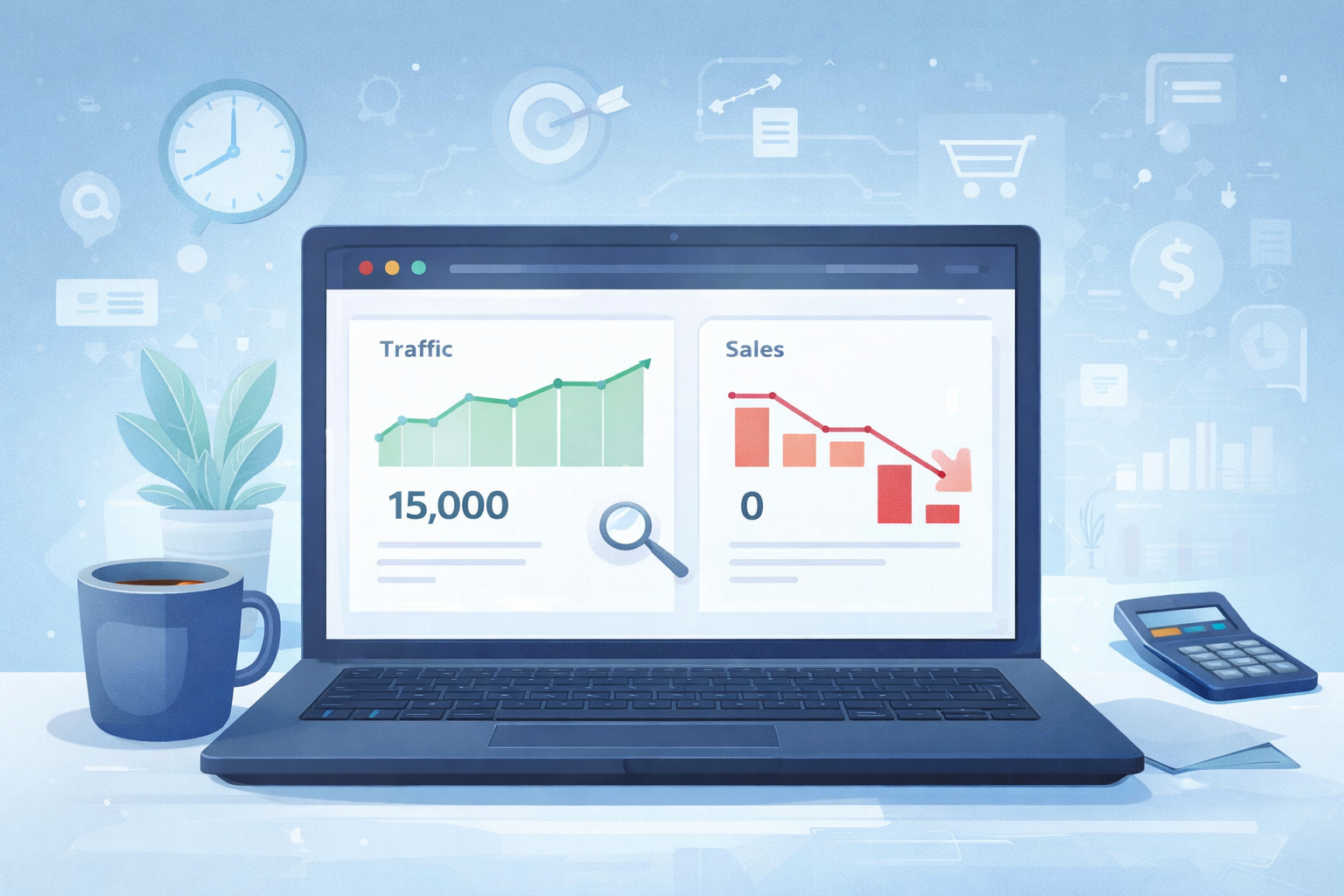
Email marketing analytics helps businesses understand which campaigns generate real revenue instead of simply measuring activity. Your open rate says 32%. Your boss says, “Great job.” But your bank account tells a very different story. That’s why tracking the right metrics matters more than ever in 2026.
Derek runs a home goods brand in Denver, Colorado. Every month, he proudly presented a report filled with open rates and click rates. Everyone nodded. Everyone smiled.
Yet revenue stayed flat for six straight months. Derek couldn’t explain why “good” numbers weren’t turning into real business growth. The problem was simple: he was tracking activity, not the metrics that actually drove revenue.
Then a data consultant reviewed his reports and asked one simple question: “Which email generated the most revenue last month?” Derek couldn’t answer. That single question changed everything.
Learn more
Email Marketing in 2026 Complete Guide from Setup to Automation and Conversions
The Problem: Why Businesses Track the Wrong Email Marketing Analytics Metrics
In short: Open rates and click rates show activity, not revenue. Businesses that only track these numbers miss what’s actually driving — or hurting — their sales.
Open Rates Don’t Pay the Bills
An open rate tells you someone saw your subject line. It doesn’t tell you if they bought anything. Many businesses celebrate high opens while sales stay flat.
Click Rates Can Be Misleading
A high click rate can mean people are curious, not ready to buy. Without revenue data attached, clicks alone create a false sense of success.
Vanity Metrics Feel Good but Mean Little
Numbers like list size or total sends look impressive in a slide. They rarely explain why revenue rises or falls month to month.
No Connection Between Emails and Sales
Most businesses can’t say which specific email drove which specific sale. Without that link, decisions get made on guesswork instead of data.
Learn more
Email Marketing Segmentation Strategy in 2026: How Small Businesses Double Revenue
What Is Email Marketing Analytics?
Answer: Email marketing analytics is the practice of tracking and analyzing data from your campaigns to understand what actually drives revenue, engagement, and customer behavior.
It goes beyond opens and clicks. It connects email activity directly to sales, customer value, and long-term business growth.
Think of it like a car dashboard. Opens and clicks are the speedometer. Revenue metrics are the fuel gauge — the number that tells you if you’ll actually reach your destination.
Learn more
Email Warm Up Service in 2026: The 7-Day Strategy That Turns Cold Leads Into Buyers
The Solution: Email Marketing Analytics Revenue Metrics Every US Business Should Track
In short: Track revenue per email, conversion rate, average order value, customer lifetime value, and list growth quality — these five numbers connect email activity to real income.
1. Revenue Per Email Sent
This metric shows exactly how much money each email generates on average. It’s one of the clearest signs of true campaign performance.
- Calculate it by dividing total revenue by total emails sent
- Compare this number across different campaign types
- Use it to decide which content style earns the most
2. Conversion Rate
Conversion rate shows how many people took a real action, like making a purchase. This matters far more than clicks alone.
- Track conversions separately for each campaign
- Compare conversion rates between new and returning customers
- Test subject lines and offers based on conversion data, not opens
3. Average Order Value From Email Traffic
This shows whether your email subscribers spend more or less than other customers. It often reveals hidden opportunities for upselling.
- Compare email-driven orders to your overall store average
- Identify which products perform best in email campaigns
- Use high performers in future promotional emails
4. Customer Lifetime Value (CLV) From Email Subscribers
CLV shows the total value a subscriber brings over time, not just from one email. This helps justify long-term investment in your list.
- Segment subscribers by how long they’ve been on your list
- Compare CLV between engaged and inactive subscribers
- Use CLV data to prioritize your most valuable segments
5. List Growth Quality
Not all list growth is good growth. This metric shows whether new subscribers actually convert into paying customers.
- Track conversion rates by signup source
- Compare quality across different lead magnets or forms
- Cut sources that bring low-quality, low-converting subscribers
Real Case Study: How Derek Fixed His Email Marketing Analytics
After his wake-up-call question, Derek rebuilt his reporting process from scratch. He stopped leading with opens and clicks.
Here’s what he changed:
- Connected his email platform to his sales data, so every email showed real revenue
- Built a simple dashboard tracking revenue per email and conversion rate
- Segmented subscribers by lifetime value, focusing more effort on high-value groups
- Reviewed results weekly, not just once a month
Within 90 days, Derek identified his three highest-revenue email types. He doubled down on those and cut low-performing content. His email revenue grew by 47% in the same quarter, without adding a single new subscriber.
How to Set Up Better Email Marketing Analytics
In short: Connect your email tool to sales data, define your core metrics, build a simple dashboard, and review results on a regular schedule.
Step 1: Connect Email Marketing Analytics to Sales Data
Link your email platform with your e-commerce or CRM system. This step alone unlocks true revenue tracking.
Step 2: Choose Your Core Metrics
Pick 4 to 5 key metrics to track consistently. Trying to watch everything at once leads to confusion, not clarity.
Step 3: Build a Simple Reporting Dashboard
Use a spreadsheet or built-in analytics tool. Keep it simple enough that your whole team can understand it at a glance.
Step 4: Review Results Weekly
Monthly reviews are too slow to catch problems early. A quick weekly check helps you adjust before small issues become big losses.
Common Mistakes in Email Marketing Analytics
- Only reporting opens and clicks to leadership
- Never connecting email data to actual sales
- Ignoring customer lifetime value completely
- Treating all subscribers as equally valuable
- Reviewing data too rarely to catch problems early
Conclusion
Good-looking numbers don’t always mean good business results. Real email marketing analytics means tracking the metrics that connect directly to revenue, not just activity. Focus on revenue per email, conversion rate, and customer lifetime value to see what’s truly working.
Like Derek, ask yourself one simple question: which email made you the most money last month? If you can’t answer that yet, today is the perfect day to start tracking the numbers that matter.
FAQs
A. Email marketing analytics is the process of tracking campaign data to understand what drives real results, especially revenue and customer behavior.
A. Revenue per email is often the most important metric. It directly connects your campaigns to actual income, unlike opens or clicks alone.
A. Yes, but only as a supporting metric. Open rates help spot subject line trends, but they shouldn’t be the main measure of success.
A. A weekly review works best for most businesses. It helps you catch problems early, before they affect a full month of revenue.
A. Yes. Even small lists benefit from tracking revenue and conversions. It helps small teams focus their limited time on what actually works.