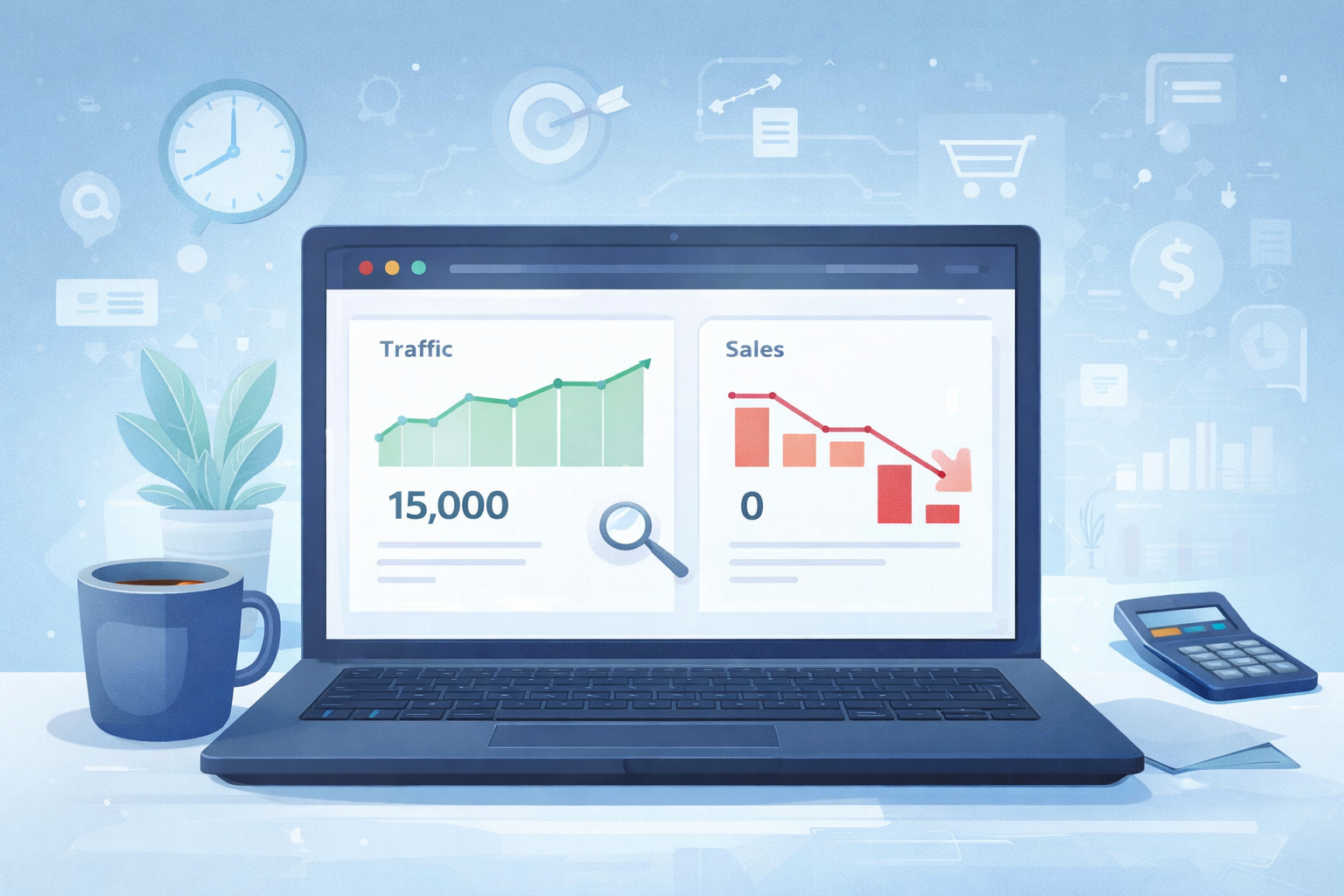
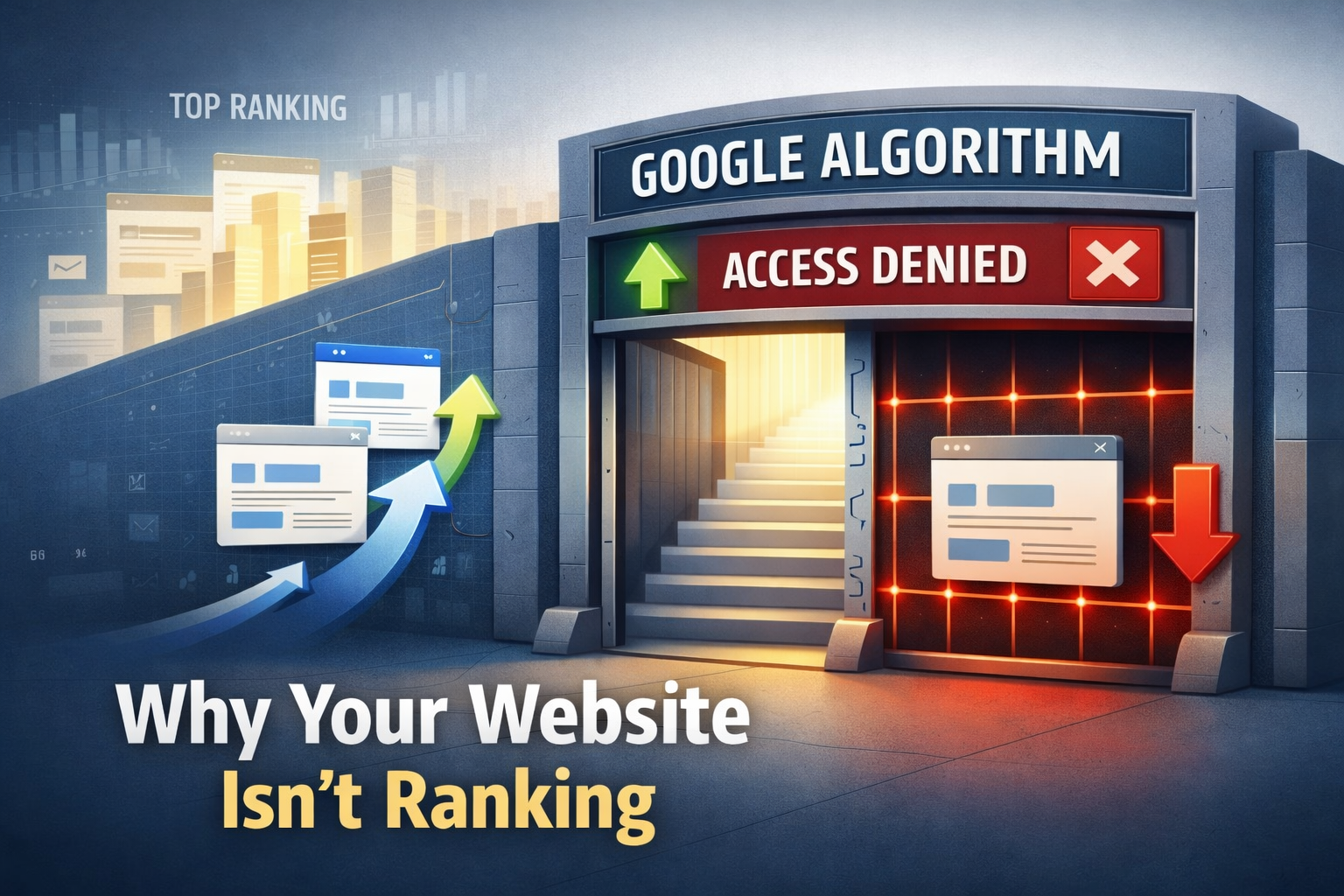
Website not ranking on Google is one of the most frustrating problems website owners face today.
You open Google Search Console and see your page indexed. But when you search your target keyword… your site is nowhere to be found.
It’s confusing and discouraging. Many site owners feel stuck when their website not ranking on Google, even though everything seems technically correct.
The truth is simple: indexing does not guarantee rankings.
In 2026, Google evaluates several signals before deciding which pages deserve visibility. These include content quality, topical authority, search intent match, and user engagement.
If even one of these signals is weak, your page may remain invisible in search results.
In this guide, we will walk through a real SEO diagnosis framework used by professionals to identify why a page is indexed but still not ranking and how to fix it.
Understanding the Problem: Indexed But Still Invisible
When Google indexes a page, it only means one thing:
Google knows the page exists.
Ranking is a completely different process.
Google compares your page against thousands of others and asks:
- Is this page helpful?
- Is it more trustworthy than competitors?
- Does it match search intent?
If the answer is unclear, your website not ranking on Google even if it is indexed.
ALSO READ
How SEO Digital Marketing Service Works: Google Algorithm Explained Simply
The Real SEO Diagnosis Framework (2026)
Before fixing the problem, you must diagnose it. Use this step-by-step framework.
Step 1: Check Search Intent If Your Website Is Not Ranking on Google
Search intent is the #1 reason pages fail to rank.
For example:
If someone searches “internal linking strategy”, they expect:
- actionable tips
- clear examples
- practical steps
If your article only explains theory, Google may ignore it.
How to diagnose:
- Search your target keyword.
- Analyze the top 5 results.
- Compare your content with theirs.
Ask yourself:
- Is my article deeper?
- Does it solve the user’s problem faster?
- Is it updated for 2026?
If not, improve the content structure.
Step 2: Analyze Topical Authority
Google now favors websites that show expertise on a topic.
A single article rarely ranks if your site lacks authority.
Example:
A small marketing blog published one SEO article.
But the top ranking site had:
- 20 SEO guides
- case studies
- tutorials
Google trusted the second site more.
How to build topical authority:
- Create topic clusters
- Write supporting articles
- Link related posts internally
This shows Google your site understands the topic deeply.
Step 3: Fix Internal Linking If Your Website Is Not Ranking on Google
Many websites fail because they ignore internal links.
Internal links help Google:
- discover pages
- understand page importance
- distribute authority
Without internal links, a page becomes isolated.
Best internal linking practices
- Link related articles together
- Use descriptive anchor text
- Link from high-authority pages
Example:
Instead of:
Click here
Use:
Learn how internal linking improves SEO rankings
This improves relevance signals.
Step 4: Evaluate Content Depth
Thin content rarely ranks in 2026.
Google prefers pages that:
- fully answer questions
- provide examples
- include actionable advice
For example, a 400-word article about SEO will struggle.
But a well-structured guide with:
- explanations
- frameworks
- real examples
is more likely to rank.
Ask yourself:
- Does this article solve the problem completely?
- Would I trust this page as a reader?
If the answer is no, expand the content.
Step 5: Check Competition Strength
Sometimes the problem is not your site.
The competition may simply be stronger.
Top pages may have:
- higher domain authority
- more backlinks
- established topical authority
In that case, your strategy should be:
- target long-tail keywords
- publish more supporting articles
- improve content depth
Over time, rankings improve.
ALSO READ
How Small US Businesses Can Increase Website Traffic in 2026 (Proven Strategy)
Real Example: Why a Website Was Not Ranking on Google
A small SaaS website had 60 indexed pages but almost zero traffic.
Diagnosis revealed three problems:
- No internal linking between articles
- Content shorter than competitors
- Weak topical authority
After fixing these issues:
- internal links were added
- content expanded
- supporting SEO articles published
Within four months, organic traffic increased by 300%.
This shows that ranking problems usually have clear causes.
Quick SEO Checklist If Your Website Is Not Ranking on Google
If your website not ranking on Google, check these factors:
- Search intent mismatch
- Weak topical authority
- Poor internal linking
- Thin content
- Strong competition
Fixing even one of these can improve rankings.
Conclusion
Seeing your website not ranking on Google can feel discouraging. But most ranking problems are solvable once you understand the real cause.
Use this diagnosis framework:
- Check search intent
- Build topical authority
- Improve internal linking
- Expand content depth
- Analyze competition
SEO success rarely happens overnight. But consistent improvements build authority and visibility over time.
If you stay patient and keep improving your content, rankings will follow.
FAQs
A. Indexing only means Google discovered your page. Ranking depends on search intent, authority, content quality, and competition.
A. For new sites, rankings may take 3–6 months. Building topical authority and publishing consistent content helps speed up the process.
A. Yes. Internal linking helps Google understand relationships between pages and distributes authority across your website.
A. Not usually. Most of the time the issue is weak content, poor keyword targeting, or strong competition.
A. Improve search intent match, expand content depth, and add strong internal links from relevant articles.