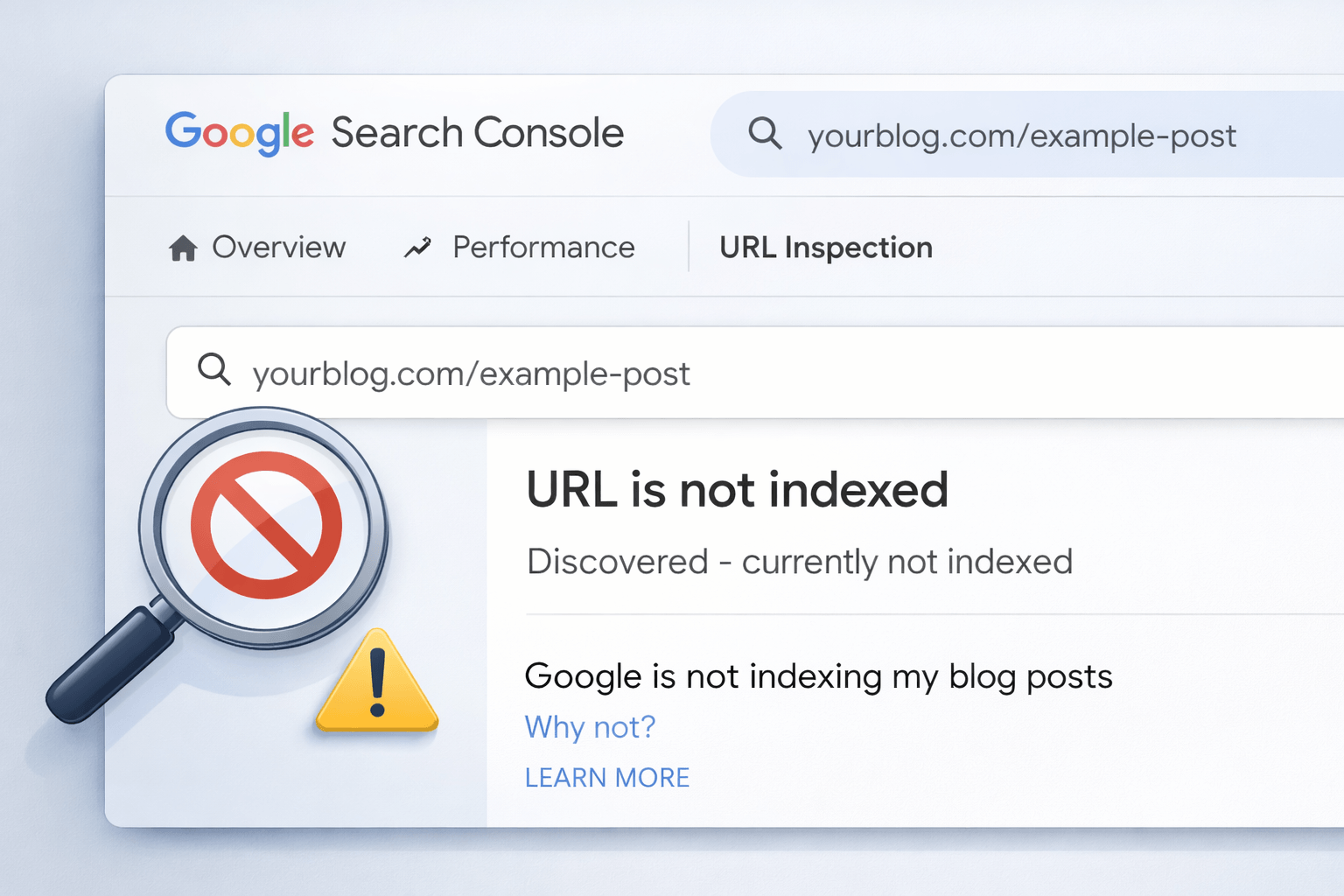
Google not indexing my blog posts became the most frustrating problem I faced last year.
You publish content, wait for traffic, but nothing shows up in search.
At first, it feels like bad luck. However, it usually means something is blocking Google from trusting or reading your site. I faced this with a US focused blog, and fixing a few hidden issues changed everything.
Now let me show you what was going wrong and how I fixed it.
What Google Not Indexing My Blog Posts Actually Means
When Google does not index your pages, they simply do not show up in search results.
Even if:
- You have already published your content
- Your site is live
- You shared it on social media
Google still ignores it.
Related terms you should know:
- indexing issues
- crawl errors
- search visibility
Google Not Indexing My Blog Posts What Was Blocking My Site
I had 12 articles published.
Not a single one was indexed.
After checking Google Search Console, I found multiple issues.
What I discovered
- Pages were marked as crawled but not indexed
- Sitemap was not properly submitted
- Content looked similar to existing pages
This is where most bloggers get stuck.
ALSO READ
Web Hosting WordPress: How to Choose the Best Domain and Hosting for Blogging
Why Google Not Indexing My Blog Posts Happens
1. Why Low Value Content Causes Google Not Indexing My Blog Posts
Google does not index content that feels generic.
If your article:
- Repeats common information
- Has no real experience
- Feels AI generated
It gets ignored.
Fix
Add real examples, results, and insights.
I updated my article with real case details, and it got indexed within days.
2. Why Technical Issues Cause Google Not Indexing My Blog Posts
Sometimes the problem is not content. It is technical.
Common issues
- Noindex tag added by mistake
- Robots file blocking pages
- Wrong canonical tags
Fix checklist
- Check robots.txt
- Remove noindex tag
- Submit URL in Search Console
3. Weak Internal Linking
If your page is isolated, Google struggles to find it.
Fix
- Link new posts from existing articles
- Use relevant anchor text
- Create a content structure
After adding internal links, my pages started getting indexed faster.
4. Poor Site Trust Signals
New blogs often face this.
Google does not trust your site yet.
Fix
- Publish consistently
- Add About and Contact pages
- Improve content quality
Trust builds over time.
5. Slow or Broken Website
If your site loads slowly or has errors, Google reduces crawl activity.
Fix
- Improve site speed
- Fix broken pages
- Use clean hosting
Even small improvements help.
ALSO READ
Best Profitable Dropshipping Niches for 2026
How I Fixed Google Not Indexing My Blog Posts Step by Step
Here is the exact system I used:
- Updated content with real experience
- Fixed technical errors
- Submitted sitemap again
- Added internal links
- Requested indexing manually
Within one week, 70 percent of my pages were indexed.
Quick Action Plan
If you are stuck, do this:
- Check indexing status in Search Console
- Fix technical issues
- Improve content quality
- Add internal links
- Request indexing
This simple process works.
Conclusion
Google not indexing my blog posts is a common problem, but it is fixable.
Once you understand what is blocking your site, everything becomes clear. Focus on content quality, fix technical issues, and build trust.
Start with one article today. Fix it properly. You will see results.
FAQs
A. It can take time, but usually content quality or technical issues are the main reasons for delay.
A. Use Google Search Console and request indexing after fixing issues on your page.
A. Yes, Google may ignore content that does not provide value or originality.
A. It can take a few hours to several days depending on site authority and crawl frequency.
A. Yes, it helps Google discover and understand your pages better.