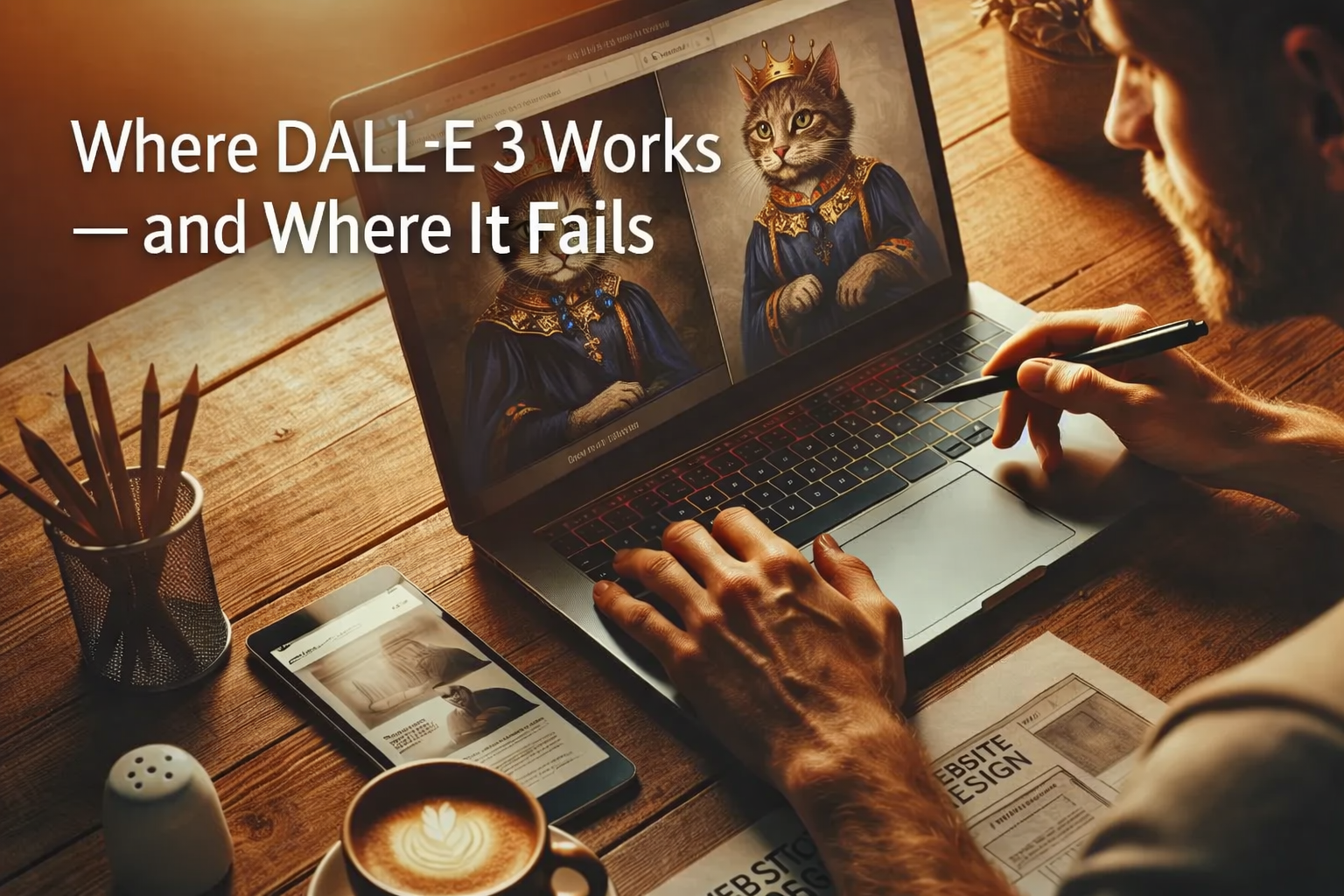
(Real dall e 3 use cases from actual work)
AI images look impressive until you try to use them in real projects.
Many creators test DALL·E 3 once, feel excited, then get disappointed fast. So what’s the truth behind real dall e 3 use cases?
This article is based on practical use, not demos.
We’ll cover where DALL·E 3 truly helps and where it breaks down.
What DALL E 3 Is Actually Good At
DALL·E 3 shines when expectations are realistic.
It is not a magic designer. It is a creative assistant.
ALSO READ
AI-Powered Design Tools That Actually Save Time (What Works in Real Projects)
DALL E 3 That Work Well in Real Projects
These are the dall e 3 use cases where teams save time and effort.
1. Concept Visuals and Early Ideas
This is DALL·E 3’s strongest area.
It helps with:
- Mood boards
- Visual direction
- Early design concepts
Designers use it to explore ideas fast, not to deliver final assets.
2. Blog and Content Illustrations
For content teams, this works well.
Examples include:
- Blog headers
- Article illustrations
- Simple visual explainers
These dall e 3 use cases work because perfection is not required.
3. Marketing Mockups and Testing
DALL·E 3 is useful for:
- Ad concept testing
- Landing page visuals
- Social media experiments
Teams test ideas before investing in full design work.
Where DALL E 3 Starts to Fail
This is where many users get frustrated.
1. Brand Consistency Problems
DALL·E 3 struggles with:
- Matching brand colors
- Repeating the same character
- Following strict style guides
For serious brand work, this becomes a blocker.
2. Detailed Design Control
Designers often need:
- Exact spacing
- Precise typography
- Editable layers
DALL·E 3 does not provide that level of control.
3. Client-Ready Final Assets
Most real teams agree on one thing:
DALL·E 3 is not reliable for final delivery.
It works before the design stage, not after it.
Real-World DALL E 3 Use Cases That Actually Work
In real workflows, DALL·E 3 is used like this:
- Generate visual ideas
- Select one direction
- Rebuild manually in design software
- Polish with human judgment
This approach makes dall e 3 use cases practical instead of frustrating.
DALL E 3 vs Human Designers (Quick Comparison)
| Task | DALL·E 3 | Human Designer |
|---|---|---|
| Idea generation | Fast | Slower |
| Creativity depth | Limited | Strong |
| Brand accuracy | Weak | Strong |
| Final delivery | Risky | Reliable |
The best results come from combining both.
When DALL E 3 Is Worth Using
DALL·E 3 is worth your time if you:
- Need fast inspiration
- Work on content-heavy projects
- Test ideas quickly
It is not ideal if you:
- Deliver brand-critical work
- Need full design control
- Expect perfect outputs
Understanding these dall e 3 saves time and stress.
ALSO READ
Can AI Really Create Professional Logos? Real Tests & Results
Conclusion
DALL·E 3 is powerful—but only in the right role.
It works best as a starting point, not a finishing tool.
When you know where it helps and where it fails,
you can use dall e 3 use cases to speed up work instead of creating problems.
Use it with purpose.
Let humans handle the final decisions.
FAQs
A. The most common uses are idea generation, blog visuals, and early design concepts.
A. No. It supports designers but cannot replace creative judgment or brand control.
A. Yes, for concept testing and content visuals—not for final brand assets.
A. It lacks consistency, control, and precision needed for professional design work.
A. Yes. DALL·E 3 is improving, but human review is still essential to ensure quality and accuracy