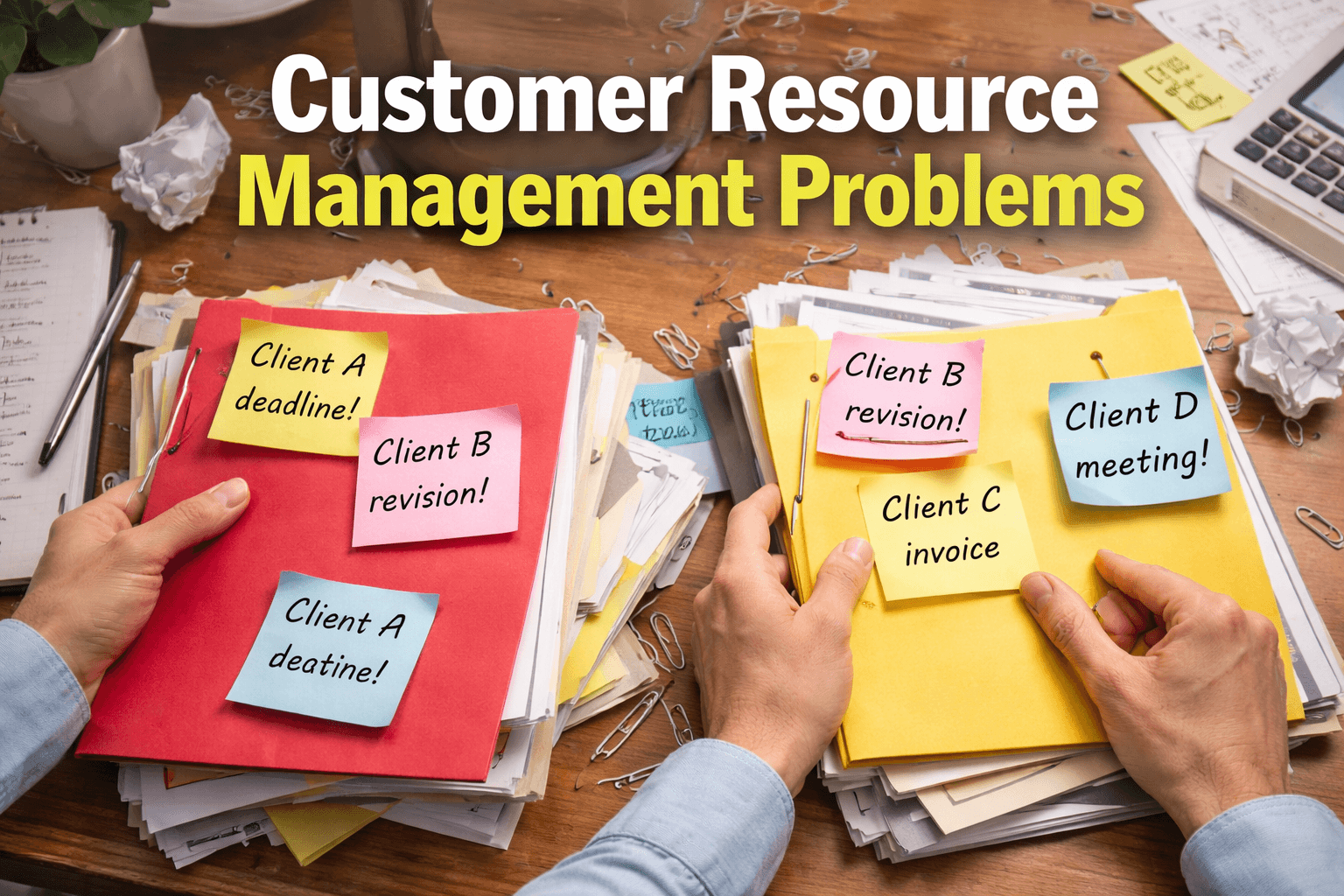

Customer relationship management marketing has become essential for handling clients online effectively in 2026. Freelancers and online businesses often feel overwhelmed juggling emails, messages, and deadlines, especially when working with multiple clients at once.
Managing clients today is no longer just about communication—it is about organization, consistency, and building long-term trust. With the right CRM marketing approach, you can streamline workflows, track performance, and maintain professional relationships without stress.
This guide explains how customer relationship management marketing helps you handle clients online, improve satisfaction, and build strong, lasting relationships in a digital-first environment.
Why Customer Relationship Management Marketing Matters for Clients
Handling clients online is more than sending emails. It’s about building relationships, improving satisfaction, and ensuring repeat business. According to Salesforce, businesses using CRM tools report 27% higher customer retention on average.
With proper online client management, you can:
- Stay organized with all client information in one place
- Communicate clearly and professionally
- Track project progress and deadlines
Customer Relationship Management Marketing in 2026: What Has Changed
In 2026, customer relationship management marketing focuses more on personalization, efficiency, and long-term relationship building than ever before. Clients now expect timely updates, transparent communication, and a clear understanding of project progress at every stage.
Modern CRM marketing strategies emphasize centralizing client data, automating routine tasks, and tracking interactions across multiple channels. This helps professionals manage client expectations while reducing manual effort and errors.
Another key change in 2026 is the increased importance of client experience. Businesses that actively monitor feedback, response times, and satisfaction levels are better positioned to retain clients and secure repeat work.
Because of these changes, customer relationship management marketing is no longer just a support system it is a core strategy for handling clients online and sustaining long-term business growth.
1. Start with a Clear Communication Strategy Using CRM Marketing Tools
Clarity is key when handling clients online. Before any project begins:
- Set expectations on response times
- Agree on communication channels (email, chat, video calls)
- Outline project milestones and deliverables
Pro tip: Using tools like Slack, Zoom, or Trello alongside your CRM marketing platform keeps everyone on the same page.
ALSO READ
What Is Client Management and Why It Matters in Freelancing
2. How to Organize Client Information with Customer Relationship Management Marketing
The heart of CRM marketing is having all client data accessible and structured.
Organize by:
- Contact details and social profiles
- Project history and deliverables
- Preferences and feedback
Example: HubSpot CRM allows you to store notes, track emails, and set reminders automatically, saving hours of manual tracking.
3. Automate Routine Tasks with CRM Marketing Software
Automation reduces errors and saves time. With a CRM marketing tool, you can:
- Send follow-up emails automatically
- Schedule recurring meetings
- Track invoices and payments
Benefits:
- Avoid missed deadlines
- Maintain professionalism
- Focus more on high-value tasks
4. Build Client Trust Using Customer Relationship Management Marketing
Clients value honesty. Keep them informed about:
- Project timelines
- Challenges or delays
- Progress updates
Fact: Clear communication boosts client retention by up to 50% according to Harvard Business Review.
5. Measure Client Satisfaction and Feedback
Feedback ensures you’re meeting client needs and improving services. Use surveys, polls, or one-on-one check-ins.
- Track response rates and satisfaction scores
- Identify recurring issues
- Adjust your processes for better results
LSI keywords: client communication tools, online project management, CRM software
ALSO READ
Why New Clients Lose Trust in the First Week – The Client Onboarding System I Use in 2026
Conclusion: Master Online Client Handling with CRM
Managing clients online doesn’t have to be chaotic. Using customer relationship management marketing strategies, you can streamline communication, automate routine tasks, and build lasting relationships.
Start implementing these strategies today, and watch your client satisfaction and business growth soar.
FAQs: Handling Clients Online
A. It’s a strategy that uses tools and processes to manage client interactions, improve satisfaction, and grow business.
A. HubSpot, Zoho CRM, and Salesforce are popular options for organizing and automating client communication.
A. Set clear expectations, use structured channels, and provide timely updates to build trust.
A. Feedback helps identify issues, improve services, and maintain long-term client relationships.
A. Yes, by automating repetitive tasks, tracking projects, and organizing client data efficiently.