An AI video generator can promise fast video creation in just a few clicks. Type a script, press generate, and a full video appears.
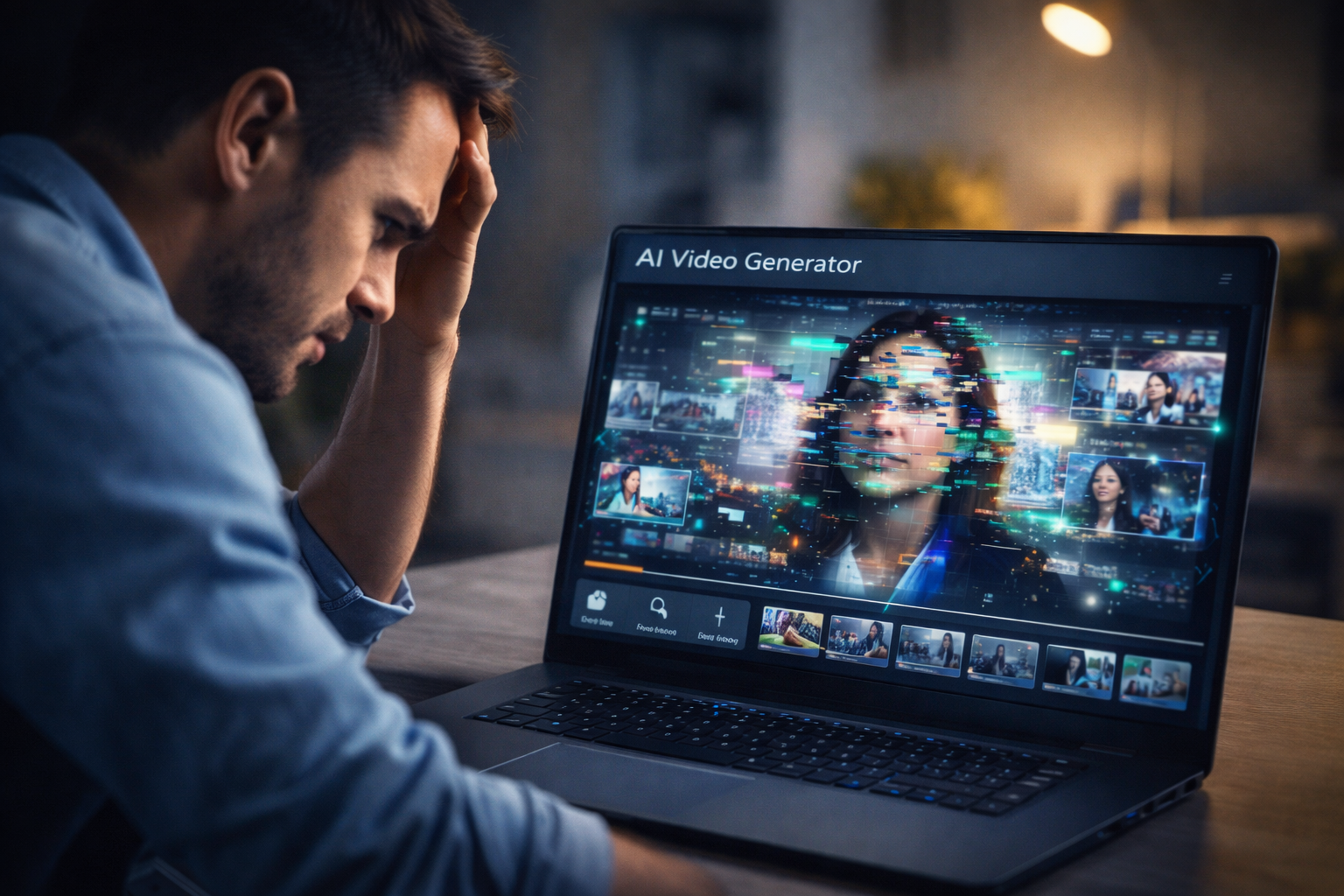
But many creators quickly notice a problem. The video looks unnatural, the scenes feel random, and the final result often looks low quality.
After testing multiple AI tools used by marketers and creators, one thing becomes clear: an AI video generator can save time, but it still has limitations. Understanding these limits helps creators produce much better videos.
ALSO READ
Benefits of Using AI for Video Production (2026 Guide)
What Is an AI Video Generator?
An AI video generator is software that automatically creates videos using artificial intelligence.
Instead of editing footage manually, these tools can:
- turn text into video scenes
- generate AI voiceovers
- add stock footage and music
- create simple animations
Many creators use AI video creation tools and text-to-video AI platforms to produce content faster.
However, automation can sometimes reduce video quality.
Why Many AI Video Generators Produce Low-Quality Videos
Several technical and creative reasons explain why results often look weak.
1. Poor Scene Matching
AI tools select visuals based on keywords in the script.
Sometimes the system chooses clips that do not match the message. This creates videos that feel confusing or disconnected.
Example:
A script about marketing might show random office scenes that do not explain the idea clearly.
2. Generic Stock Footage Used by AI Video Generator Tools
Most AI platforms rely heavily on stock video libraries.
Because of this, many videos look similar.
Common problems include:
- repeated clips
- predictable visuals
- lack of unique style
This makes the content feel generic.
3. Limited Creative Understanding
An AI video generator analyzes patterns in data, not emotions or storytelling.
It cannot fully understand humor, tone, or dramatic timing.
Human editors naturally adjust pacing, visuals, and emotion. AI tools still struggle with this creative process.
4. Weak Voiceovers and Audio
Many AI-generated videos include robotic voiceovers.
Although AI voices have improved, some still sound unnatural.
Common audio issues include:
- incorrect pronunciation
- unnatural pauses
- inconsistent tone
These problems reduce the professional feel of the final video.
5. Over-Automation
Automation is useful, but too much automation can harm quality.
When creators rely only on AI, the result often lacks creativity and polish.
Professional creators usually combine AI video tools with manual editing to improve the final result.
ALSO READ
What Are AI Video Tools? A Beginner’s Guide
Real Test: AI Video Generator Results
To understand real performance, we tested several popular tools using a simple task.
Task: Convert a 500-word blog post into a short marketing video.
Results showed clear differences:
- Some tools generated videos in under 5 minutes
- Several videos included unrelated clips
- A few platforms produced decent visuals but weak voiceovers
This shows that AI video generation technology is powerful but still evolving.
How Creators Improve AI Video Quality
Experts rarely rely on automation alone. They use several techniques to improve results.
1. Write Better Prompts
Clear scripts help AI choose better scenes.
Example:
Instead of writing “business growth,” specify the scene such as “startup team discussing marketing strategy.”
2. Replace Weak Clips
Creators often swap out AI-selected visuals with better footage.
This improves storytelling and visual quality.
3. Edit the Final Video
Professional editors review AI output and adjust:
- scene timing
- transitions
- audio quality
Even small edits can make a video look much more professional.
4. Combine AI With Human Creativity
AI tools are powerful assistants, not full replacements.
The best creators use AI to save time but rely on human creativity to refine the final product.
Conclusion
The rise of the AI video generator has transformed how videos are created. These tools make video production faster and easier for creators and marketers.
However, many AI tools still produce low-quality videos because of limited creativity, generic visuals, and over-automation.
The good news is that creators can improve results by writing better scripts, editing AI output, and combining automation with human creativity.
When used correctly, an AI video generator becomes a powerful tool for modern content creation.
FAQs
An AI video generator is a tool that automatically creates videos using artificial intelligence from text, images, or scripts.
Low quality often happens because AI tools use generic stock footage, limited storytelling logic, and automated voiceovers.
Yes, but usually with human editing. Creators often refine AI-generated videos to improve visuals and storytelling.
Marketing teams, educators, YouTubers, and social media creators commonly use AI video generation tools.
No. AI helps automate tasks, but human creativity, storytelling, and editing skills remain essential for high-quality videos.