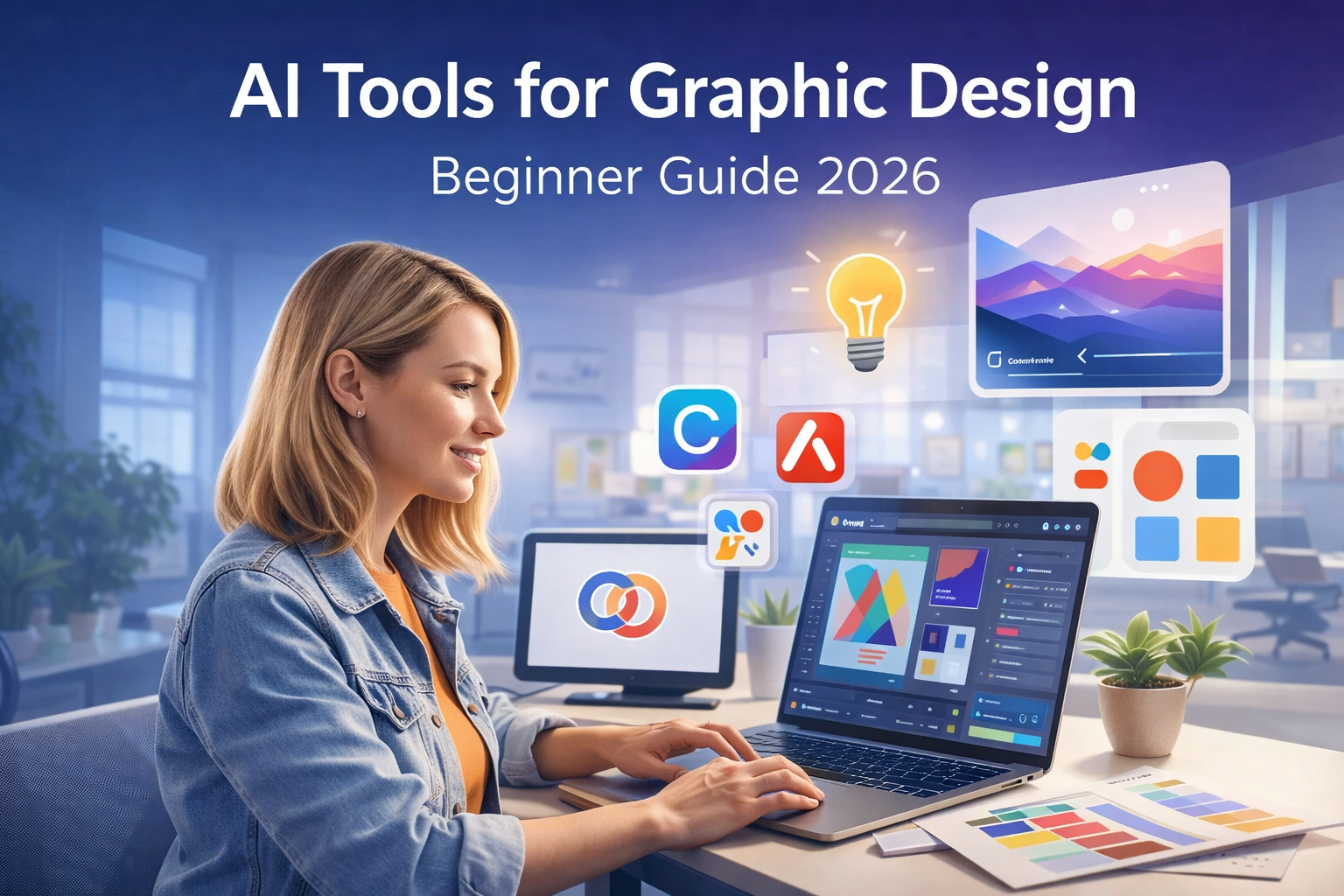
AI tools for graphic design are transforming the way creators design visuals in 2026. Imagine creating a professional logo, poster, or ad in minutes without hiring a designer.
Artificial intelligence is no longer just a trend. Today, designers, marketers, and entrepreneurs use AI tools to create graphics faster and more efficiently. Whether you’re a beginner or an experienced creator, these tools can completely change how you design and experiment with visuals.
What Are AI Design Tools?
AI design tools are software powered by artificial intelligence that help you create designs automatically.
They use algorithms to understand colors, layout, and patterns and then generate beautiful graphics in seconds.
For example:
- Canva Magic Studio suggests designs based on your content.
- Adobe Firefly creates realistic images from text prompts.
- Designs.ai builds entire brand kits using AI.
These tools don’t replace designers they enhance creativity and speed up the design process.
ALSO READ
Adobe Photoshop Graphic Design vs AI Tools: Best Choice in 2026
Benefits of Using AI in Graphic Design
1. Saves Time
AI can generate multiple design drafts instantly. No more hours spent adjusting fonts or layouts just click, edit, and publish.
2. Affordable and Accessible
You don’t need an expensive subscription or years of training. Many AI design tools are free or budget friendly.
3. Improves Creativity
AI gives you endless ideas from color combinations to visual concepts. You can explore fresh designs with a single prompt.
4. Consistent Branding
AI tools analyze your logo and brand colors to maintain a consistent style across your marketing materials.
5. User-Friendly for Beginners
Even if you’ve never designed before, AI makes it simple. Drag, drop, and create professional-looking graphics in minutes.
Another advantage of AI tools for graphic design is rapid idea generation. Designers often spend time brainstorming visual concepts before starting a project. AI tools can instantly suggest layouts, color palettes, and typography styles, helping creators move from idea to design much faster.
Popular AI Tools for Graphic Design in 2026
| Tool Name | Best For | Key Feature |
|---|---|---|
| Canva Magic Studio | Quick social media designs | Text-to-image, auto resize |
| Adobe Firefly | Professional AI art | Realistic text-to-image visuals |
| Designs.ai | Full branding kits | Logo, video, and poster creation |
| Fotor AI | Photo enhancement | One-click background remover |
| Looka | Logo design | AI-based brand kit builder |
How to Use AI Tools for Graphic Design Effectively
- Start with a Goal: Decide what you need logo, poster, or ad banner.
- Use Clear Prompts: Describe exactly what you want the AI to design (e.g., “modern tech logo in blue and white”).
- Customize the Output: Edit fonts, colors, and layouts to match your brand.
- Stay Original: Use AI ideas as inspiration, not final products. Add your creative touch.
LSI Keywords (used naturally)
- Best AI design software
- AI graphic design tools
- Artificial intelligence for creatives
Conclusion
AI tools for graphic design are changing the creative world. They help you work faster, experiment more, and design like a pro even if you’re just starting.
Whether you’re a freelancer, marketer, or small-business owner, embracing AI in your workflow can save time, cut costs, and boost creativity.
Start exploring these tools today and let AI bring your imagination to life!
ALSO READ
AI-Powered Design Tools That Actually Save Time (What Works in Real Projects)
FAQs About AI Tools for Graphic Design
A. They help you create logos, posters, and social media visuals automatically using artificial intelligence.
A. Many tools like Canva and Fotor offer free versions with AI features. You can upgrade for advanced options.
A. No, AI assists designers. It saves time but still needs human creativity and direction.
A. Canva Magic Studio and Adobe Firefly are among the best for beginners and professionals alike.
A. By generating ideas, layouts, and color palettes, AI helps you learn faster and become more creative.