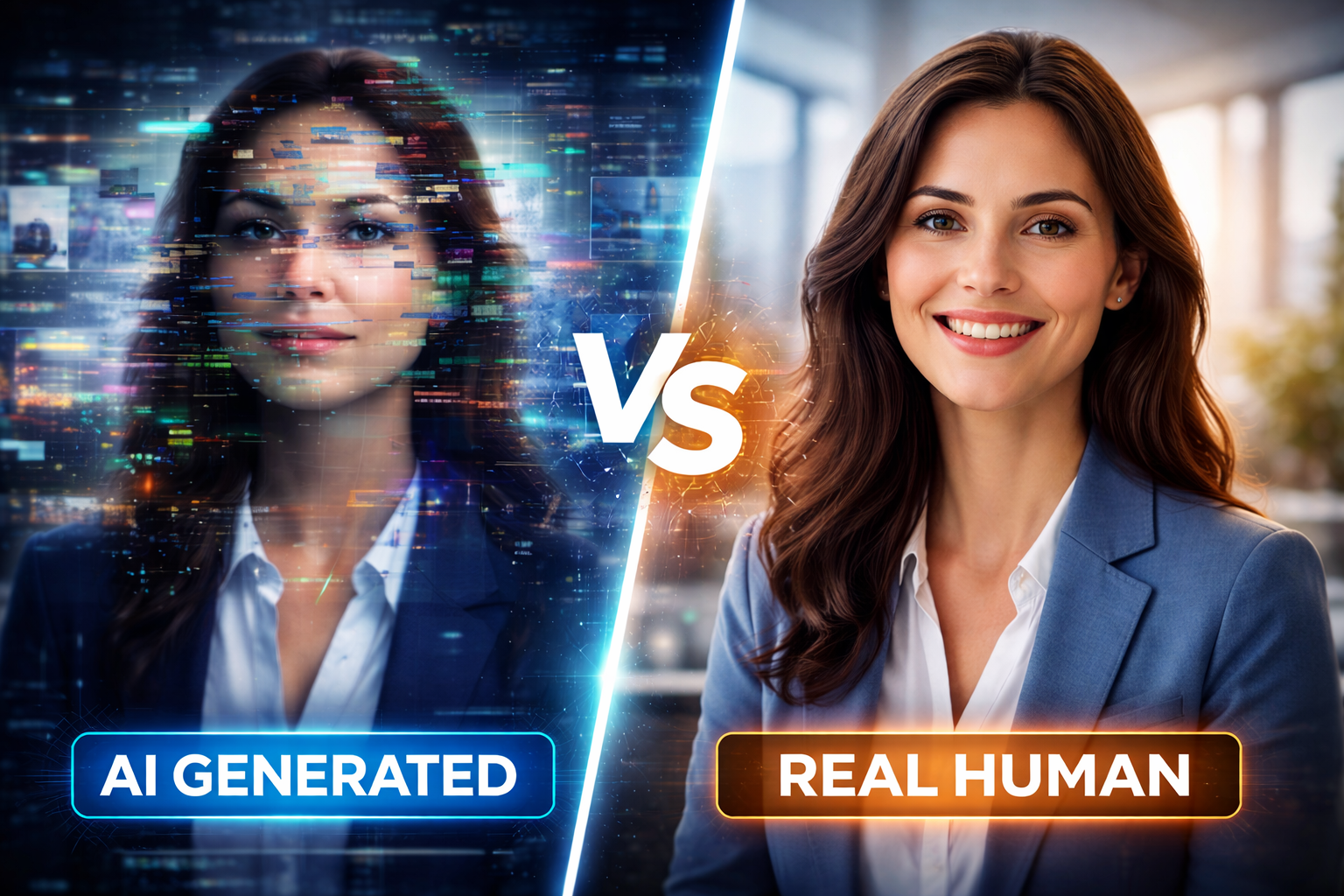
AI generated videos are everywhere today. With just a script or prompt, creators can generate full videos in minutes.
But many viewers notice something strange. The movements feel unnatural, faces look slightly wrong, and scenes sometimes feel disconnected. Even with powerful AI tools, AI video creations can still look fake.
After testing several AI video platforms and studying how creators use them, it’s clear that the technology is impressive but it still needs human guidance. Understanding these limitations helps creators produce better videos in 2026.
ALSO READ
Why Adobe’s Animate Shutdown Signals a Bigger AI Shift for Creators in 2026
What Are AI Generated Videos?
AI generated videos are videos created automatically using artificial intelligence.
Instead of filming everything manually, AI tools can:
- convert text into video scenes
- generate digital avatars
- create AI voiceovers
- assemble clips automatically
Many creators now use AI video generation tools, text-to-video AI platforms, and AI video creators to speed up production.
Why AI Generated Videos Still Look Fake
Even though AI video tools are improving quickly, several issues still affect realism.
1. Unnatural Facial Expressions
AI systems sometimes struggle with realistic human expressions.
Small problems like eye movement, blinking, or lip sync can make a video look artificial.
For example, an AI avatar might speak clearly but the facial movement feels slightly off.
2. Poor Scene Selection in AI Generated Videos
AI selects visuals based on patterns in data.
However, it does not truly understand storytelling.
This can result in:
- random scene transitions
- unrelated visuals
- inconsistent video flow
When this happens, AI video creations feel confusing rather than engaging.
3. Robotic Voiceovers
Voice technology has improved, but some AI voices still sound unnatural.
Common issues include:
- flat emotional tone
- incorrect emphasis
- unnatural pauses
Professional creators often replace AI voices with better audio editing.
4. Limited Creative Direction
AI tools follow instructions but cannot fully interpret creative vision.
A human director naturally adjusts:
- pacing
- emotion
- storytelling
AI still struggles to match this creative decision-making.
ALSO READ
Benefits of Using AI for Video Production (2026 Guide)
Real Example: Testing AI Generated Videos
We tested several popular tools by generating a short marketing video from a blog post.
The results showed clear differences.
Some platforms created decent visuals but included irrelevant clips. Others produced strong avatars but weak voiceovers.
This shows that AI video generation technology is powerful but still evolving.
How Creators Fix AI Generated Videos
Professional creators rarely rely only on automation. They improve the output using several simple techniques.
1. Write Better Prompts
Clear instructions help AI tools choose better scenes.
Instead of vague prompts, creators write detailed scripts describing the visuals they want.
2. Replace Weak Visual Clips
Creators often replace AI-selected clips with better footage.
This helps improve storytelling and visual quality.
3. Edit the Final Video
Even small edits can improve realism.
Creators often adjust:
- transitions
- pacing
- sound quality
Combining AI output with manual editing produces much better results.
4. Use AI as a Creative Assistant
Smart creators treat AI as a helper, not a replacement.
AI can automate repetitive tasks, but human creativity still guides the final result.
Conclusion
The rise of AI generated videos has transformed video production. Anyone can now create videos faster than ever before.
However, many AI videos still look fake because of limited creativity, robotic voices, and imperfect scene selection.
The good news is that creators are learning how to fix these issues. By combining AI tools with human editing and better prompts, they can produce more realistic and engaging videos.
As AI technology continues to evolve, AI video creations will become more natural but human creativity will always play a key role.
FAQs
AI generated videos can look fake because of unnatural facial expressions, robotic voiceovers, and poor scene selection.
Yes. With better prompts, editing, and improved AI models, the quality of AI generated videos continues to improve.
Popular tools include Synthesia, Pictory, Runway ML, InVideo AI, and Lumen5.
Yes. Many marketers use AI video tools to create explainer videos, ads, and social media content quickly.
No. AI speeds up production, but human creativity and storytelling remain essential for high-quality videos.