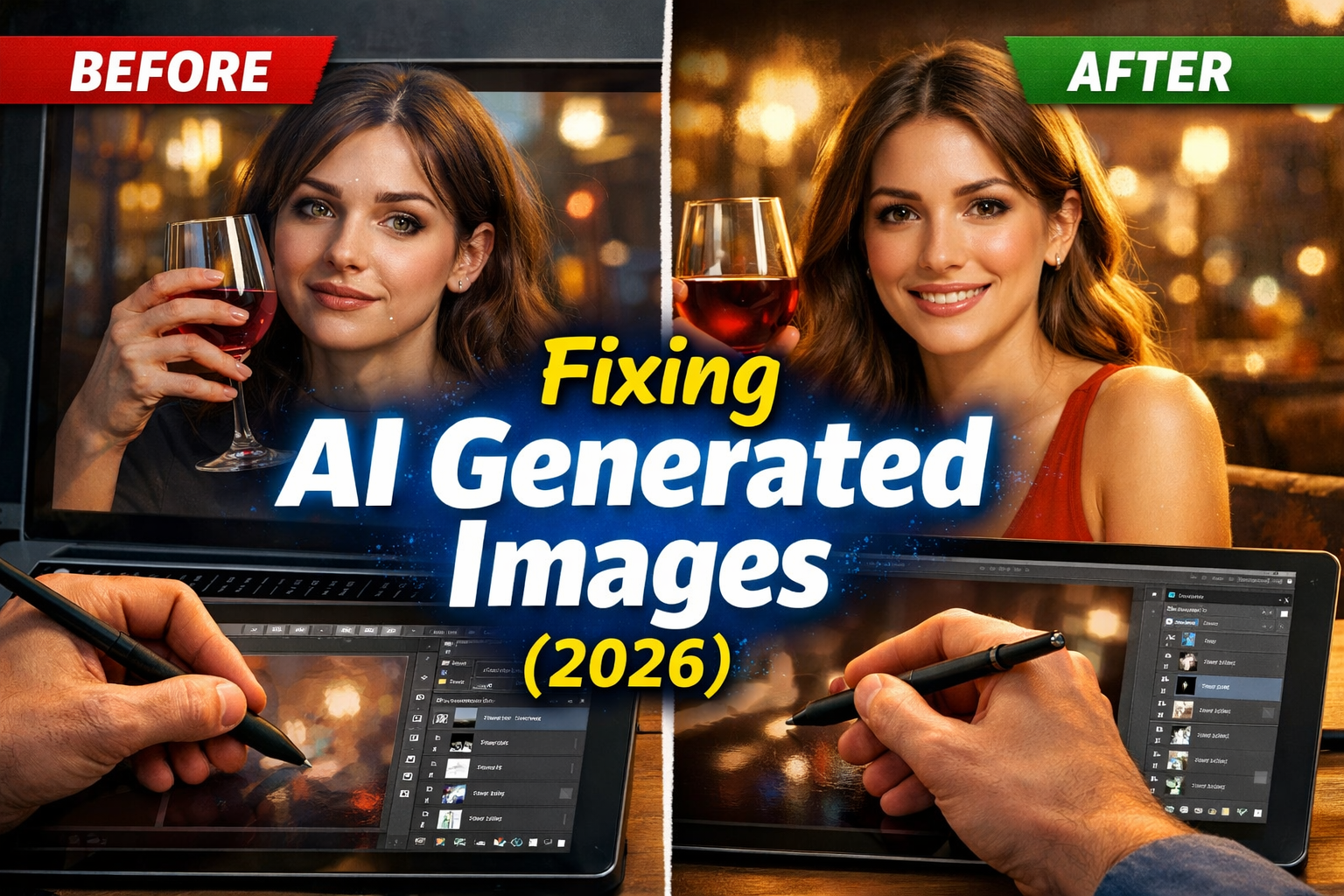
AI generated images can look amazing at first glance, but sometimes something feels strange. You’ve probably seen it before an image looks impressive at first but something feels slightly off.
Maybe the hands look wrong. Maybe the lighting feels unnatural. Many AI generated images still look slightly fake, even with powerful tools available in 2026.
As designers experiment with AI image generators, they have learned something important: AI is powerful, but it still needs human guidance. In this article, we’ll explore why AI generated images sometimes look unrealistic and how professional designers fix them.
What Are AI Generated Images?
AI generated images are pictures created by artificial intelligence from text prompts or instructions.
For example, you can type:
“A futuristic city at sunset with flying cars.”
Within seconds, an AI image generator like Midjourney, DALL-E, or Adobe Firefly creates a visual scene based on that description.
These tools use machine learning models trained on millions of images to understand shapes, objects, lighting, and styles.
Today, creators use AI images for:
- marketing graphics
- blog illustrations
- social media posts
- product mockups
However, AI still makes mistakes.
ALSO READ
AI Tools for Graphic Design: A Beginner’s Guide (2026 Update)
Why AI Generated Images Often Look Fake
Even the best AI image generators sometimes produce images that feel unrealistic.
Here are the most common reasons.
1. AI Struggles With Human Hands
Hands are complex. They contain many joints and small movements.
AI models often generate:
- extra fingers
- twisted hand positions
- unnatural finger shapes
This is one of the easiest ways to spot AI artwork.
2. Lighting and Shadows Can Look Wrong AI Generated Images
Real photos follow natural lighting rules.
But AI generated images sometimes create shadows that do not match the light source.
For example:
- shadows fall in the wrong direction
- reflections appear where they shouldn’t
- objects glow unnaturally
These small details make the image feel artificial.
3. Faces May Look Slightly Distorted
AI has improved greatly at generating faces, but problems still appear.
Some issues include:
- uneven eyes
- strange facial symmetry
- unrealistic skin texture
Professional designers often correct these problems manually.
4. Background Details Are Often Messy
When you zoom into AI generated photos, the background sometimes breaks apart.
You may notice:
- strange text on signs
- distorted buildings
- objects blending together
These details reveal the image was AI-generated.
ALSO READ
AI-Powered Design Tools That Actually Save Time (What Works in Real Projects)
How Designers Fix AI Generated Images
Designers rarely use AI images exactly as they are generated.
Instead, they improve them with editing tools and smart techniques.
1. Refining the Prompt AI Generated Images
A better prompt produces better results.
Designers often add more detail such as:
- camera angle
- lighting style
- artistic direction
Example prompt improvement:
Basic prompt:
“Modern office workspace”
Improved prompt:
“Modern office workspace, soft daylight, realistic photography style, high resolution.”
This helps the text-to-image AI understand the visual goal.
2. Using Image Editing Software
After generating an image, designers refine it using tools like:
- Photoshop
- Canva AI editor
- Adobe Firefly tools
They correct:
- lighting
- shadows
- facial details
- background elements
This combination of AI + human editing produces the best results.
3. Generating Multiple Versions
Professional creators rarely rely on a single AI result.
Instead they:
- generate 5–10 versions
- choose the best composition
- combine elements from different images
This technique improves quality dramatically.
4. Upscaling and Enhancing the Image
Low resolution can make AI generated images look artificial.
Designers use AI upscaling tools to increase clarity and detail.
Popular tools include:
- Topaz AI
- Midjourney upscale feature
- Adobe AI enhance tools
These tools improve sharpness and realism.
Best AI Image Generators Used by Designers in 2026
Some platforms produce better results than others.
Popular tools include:
Midjourney
Known for cinematic and artistic images.
DALL-E
Great for creative and concept-based visuals.
Adobe Firefly
Perfect for professional design workflows.
Leonardo AI
Popular among game designers and digital artists.
Each platform improves the quality of AI generated images when used correctly.
The Future of AI Generated Images
AI technology continues to evolve quickly.
In the coming years, we may see:
- more realistic human features
- improved lighting simulation
- better understanding of prompts
- AI editing tools integrated into design software
Rather than replacing designers, AI is becoming a powerful creative assistant.
Conclusion
AI image technology has come a long way, but it is not perfect yet. Many AI generated images still look slightly artificial because of lighting errors, strange hands, or distorted details.
The good news is that designers know how to fix these issues. By refining prompts, editing images, and using better AI tools, they transform simple AI outputs into professional visuals.
If you want better results, remember one simple rule:
AI creates the base human creativity perfects the final design.
Experiment with different tools, learn from the results, and keep improving your creative workflow.
FAQs
AI images can look fake because of lighting errors, distorted hands, or unrealistic textures. These mistakes happen when the AI misunderstands visual details.
Popular tools include Midjourney, DALL-E, Adobe Firefly, and Leonardo AI. Each tool has strengths depending on the style you want.
Yes. Designers often edit AI images using software like Photoshop or Canva to correct lighting, faces, and background details.
Yes, when edited properly. Many businesses use AI images for blog graphics, ads, and social media content.
No. AI helps generate ideas quickly, but human designers add creativity, storytelling, and professional polish.