The creative world felt a shockwave when Adobe hinted at the Adobe Animate shutdown.
For many creators, it felt like the end of an era and the start of something unknown.
But this move is not just about one tool.
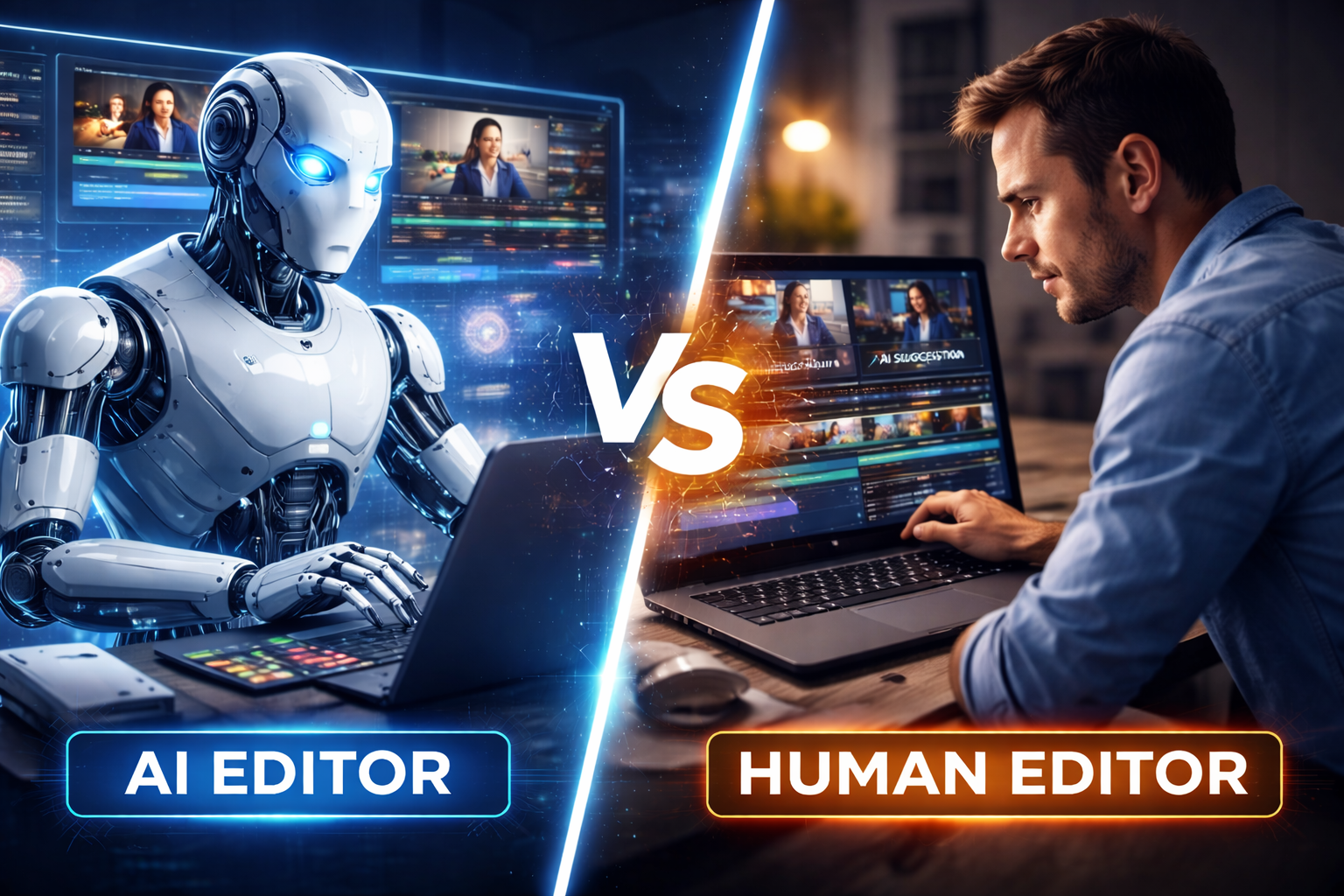
It is a clear signal that AI is reshaping how creators will work in 2026 and beyond.
What Is the Adobe Animate Shutdown Really About?
Adobe Animate has been a core tool for 2D animators, educators, and freelancers for years.
It helped power explainer videos, ads, games, and learning content.
The Adobe Animate shutdown (or shift to limited development) is part of Adobe’s larger plan:
- Reduce focus on legacy tools
- Invest heavily in AI-powered creative software
- Automate time-consuming creative tasks
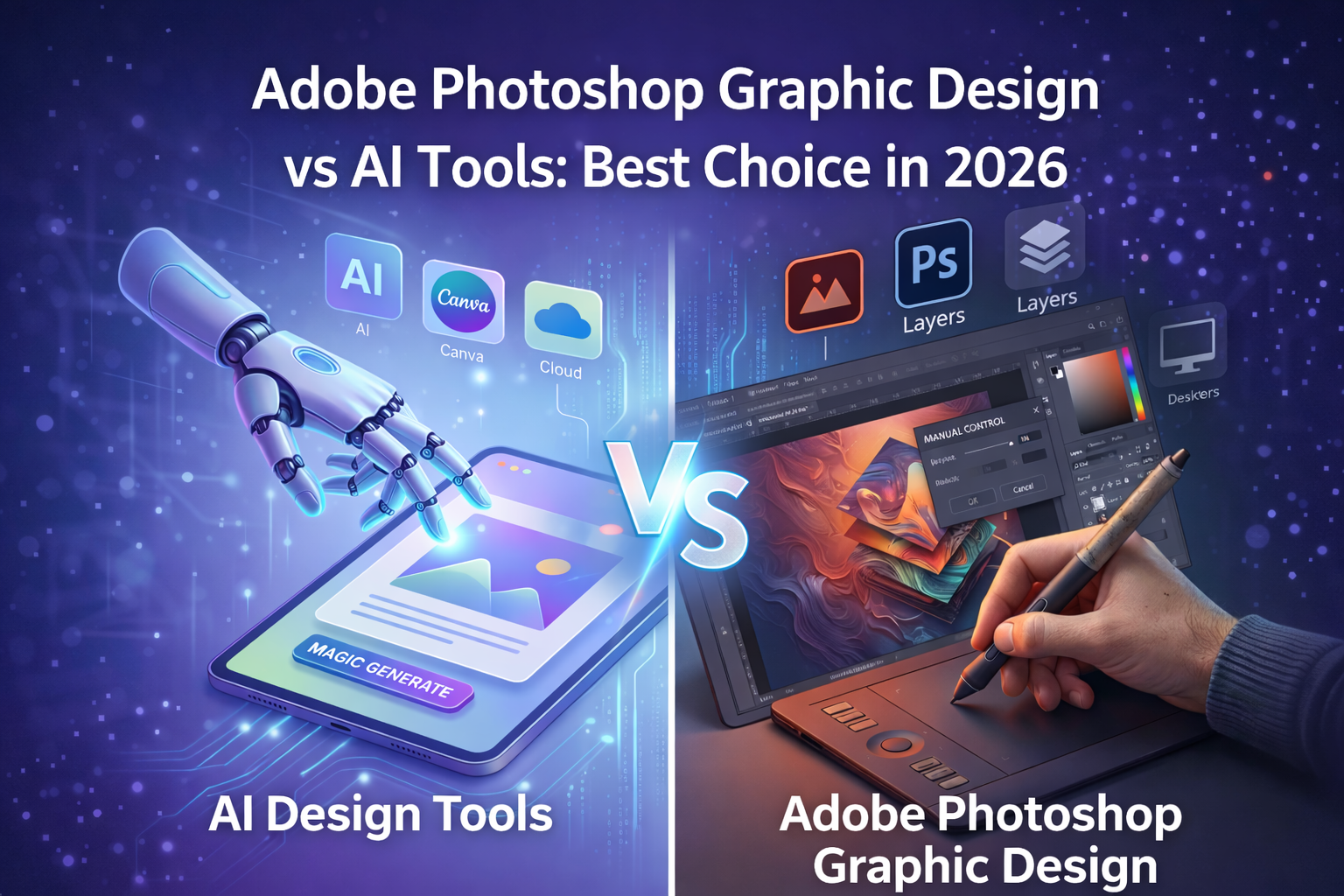
Adobe has already done this with tools like Firefly and AI features inside Photoshop and Premiere Pro.
This is not random. It is strategic.
ALSO READ
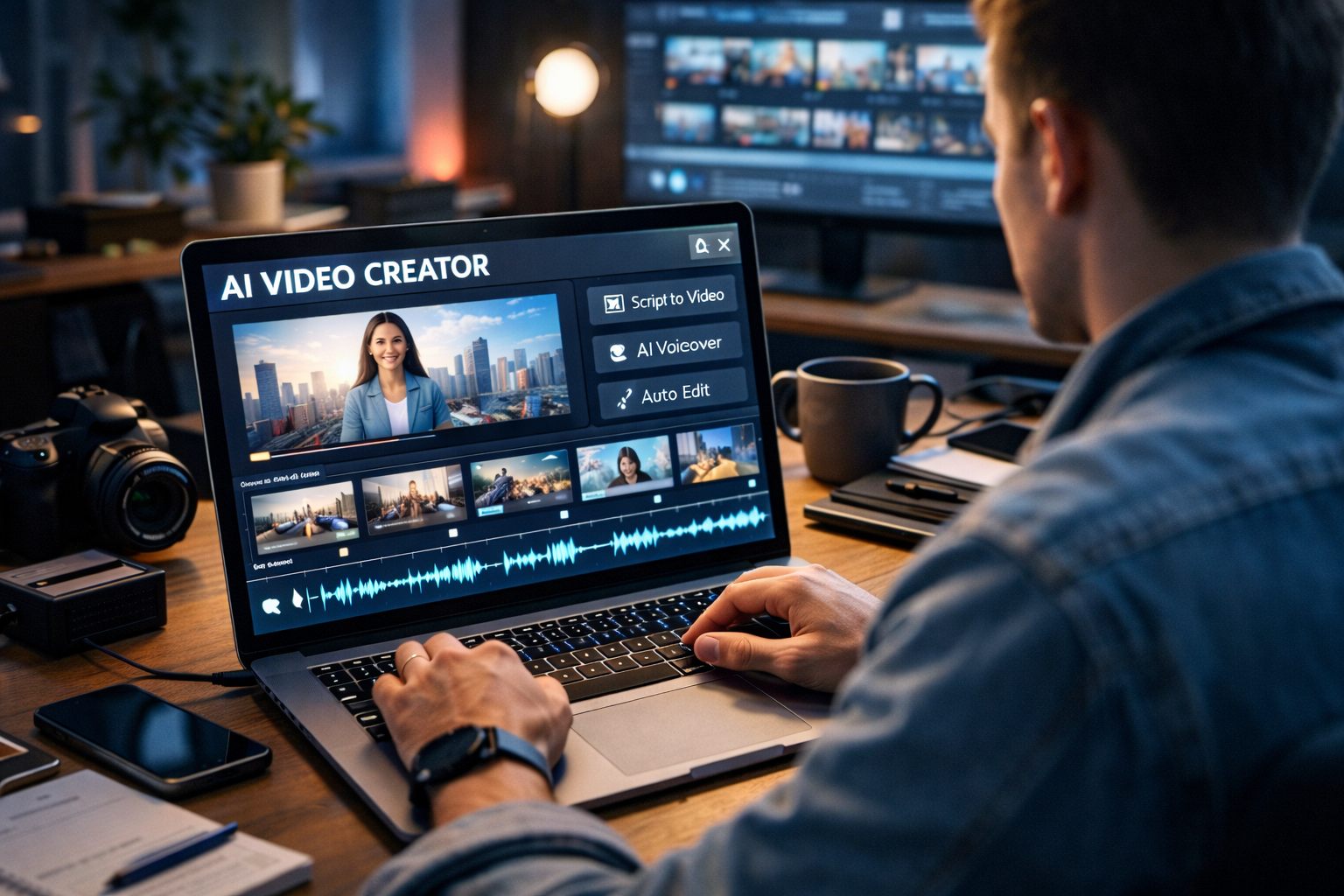
How AI Is Revolutionizing Video Creation in 2026
Why Adobe Is Prioritizing AI Over Traditional Animation Tools
AI saves time.
Time saves money.
And that matters to big companies like Adobe.
Here is what AI offers that older tools cannot:
- Faster content creation
- Smart automation for repetitive tasks
- AI-assisted motion, design, and effects
- Easier workflows for beginners
From Adobe’s business view, investing in AI brings higher growth than maintaining traditional software.
That is why the Adobe Animate shutdown is more about direction, not failure.
The Bigger AI Shift Behind the Adobe Animate Shutdown in 2026
This decision reflects a larger industry trend.
AI Is Changing Creative Work in Three Major Ways
- Speed beats perfection
Brands now want fast content, not long production cycles. - Solo creators replace large teams
AI allows one person to do the work of five. - Tools matter less than skills
Knowing one software is risky.
Knowing how to adapt is powerful.
The Adobe Animate shutdown shows that tool loyalty is no longer safe.
Real Impact on Animators and Freelancers
For many animators, this news feels personal.
Some built their careers entirely on Adobe Animate.
The Risks
- Skill dependency on one tool
- Fewer updates and innovation
- Clients shifting toward AI-based solutions
The Opportunities
- Learning AI-assisted animation tools
- Offering faster turnaround services
- Combining creativity with automation
Creators who adapt early will win.
Best Alternatives After Adobe Animate Shutdown
Smart creators are already diversifying.
Popular Alternatives to Explore
- Blender (2D & 3D animation)
- Toon Boom Harmony
- AI animation platforms
- Motion design tools with AI features
The goal is not to replace Animate overnight.
The goal is to future-proof your skills.
ALSO READ
Benefits of Using AI for Video Production (2026 Guide)
What Adobe’s Decision Teaches Us About the Future
Adobe is not abandoning creators.
It is betting on a future where AI supports creativity, not replaces it.
The Adobe Animate shutdown sends one clear message:
Creators who evolve with AI will stay relevant.
Creators who resist change will struggle.
This shift is uncomfortable—but also full of opportunity.
Conclusion: Adapt, Don’t Panic
The Adobe Animate shutdown is not the end of creativity.
It is the beginning of a smarter, faster creative era.
Instead of fear:
- Learn new tools
- Embrace AI as a helper
- Expand your skill set
Creators who move now will lead in 2026.
The future belongs to adaptable creators.
FAQs: Adobe Animate Shutdown & AI Shift
A. Adobe has reduced focus on Animate, shifting it toward maintenance while prioritizing AI-based tools.
A. AI improves speed, automation, and scalability, which modern creators and businesses demand.
A. No. But they should start learning alternatives and AI-assisted animation tools.
A. AI animation workflows, motion design basics, and tool-agnostic creative skills.
A. AI is a tool, not a replacement. Creators who use it wisely will stay ahead.