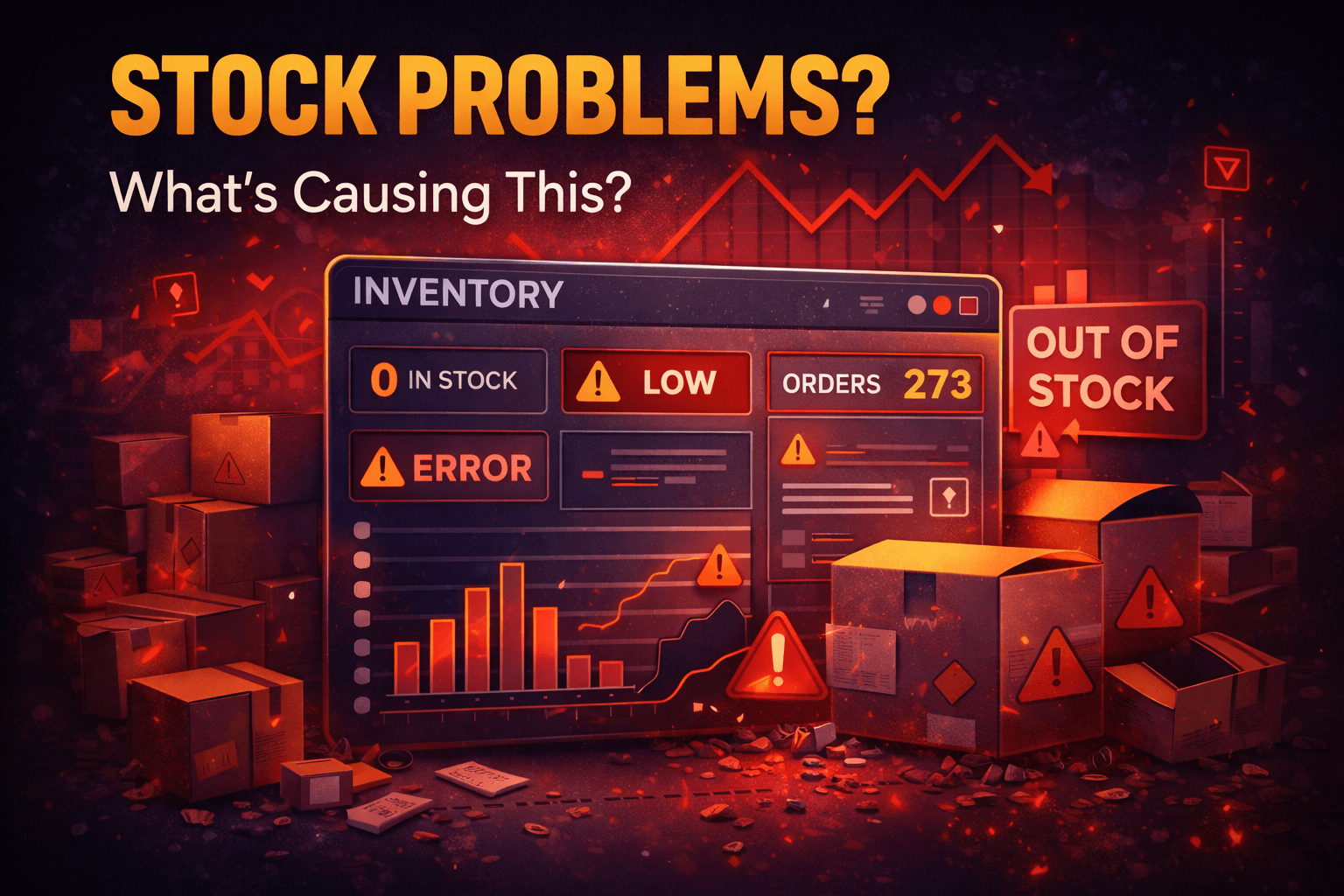
Ecommerce inventory management problems can quietly destroy your business before you even notice.
Orders are coming in, but your stock is wrong.
Customers place orders… and then you realize the product is out of stock.
Refunds start. Complaints increase.
And suddenly, your system feels out of control.
If this feels familiar, the issue is not your effort it’s your inventory system.
How Small Ecommerce Inventory Management Mistakes Turn Into Big Losses
A store owner I worked with had a simple issue.
His system showed 50 units in stock.
In reality, only 12 were available.
He kept selling.
Within days:
- Orders were delayed
- Customers complained
- Refunds increased
This is how small inventory errors turn into real business damage.
ALSO READ
What Is E-Commerce and Dropshipping and How Does It Work in 2026
The Chain Reaction Behind Ecommerce Inventory Management Problems
Inventory issues don’t happen alone.
They create a chain reaction.
Here’s how it usually unfolds:
- Stock data becomes inaccurate
- Orders exceed available inventory
- Fulfillment gets delayed
- Customers lose trust
- Reviews drop and sales decline
One mistake spreads across your entire business.
LEARN MORE
Dropshipping Delivery Time Too Long? Here’s Why Customers Stop Buying in 2026
What’s Causing Ecommerce Inventory Management Problems in 2026
The environment has changed.
Manual tracking and basic systems are no longer enough.
Poor Inventory Tracking Systems
If you rely on:
- Spreadsheets
- Manual updates
Errors are guaranteed.
Lack of Real-Time Stock Updates
Without real-time tracking:
- You oversell products
- Stock levels stay outdated
Multiple Sales Channels Without Sync
Selling on:
- Website
- Marketplace
- Social platforms
But inventory is not synced.
This creates mismatches instantly.
Weak Demand Forecasting
If you don’t predict demand:
- You run out of stock
- Or overstock slow products
Warning Signs Your Inventory System Is Failing
Before things get worse, look for these signs:
- Frequent stockouts
- Orders getting delayed
- Inventory numbers not matching reality
- High return or refund rate
If you see these, your system needs fixing now.
ALSO READ
What Is Dropshipping and How It Differs from Traditional E-Commerce
How to Fix Ecommerce Inventory Management Problems (Step-by-Step)
You don’t need a complex system.
You need a reliable one.
1. Use Inventory Management Software
Move away from manual tracking.
Use tools that:
- Track stock automatically
- Update in real-time
2. Sync All Sales Channels
Ensure:
- One system controls all platforms
- Stock updates everywhere instantly
3. Set Reorder Points
Don’t wait until stock is zero.
Define:
- Minimum stock level
- Automatic reorder trigger
4. Audit Inventory Regularly
Check your inventory:
- Weekly or monthly
- Compare system vs actual stock
5. Improve Demand Forecasting
Use past data to:
- Predict sales trends
- Prepare stock in advance
A Smarter Way to Manage Ecommerce Inventory in 2026
Think of inventory as a system, not a task.
Successful stores:
- Automate tracking
- Use data for decisions
- Reduce human error
They don’t react to problems — they prevent them.
Conclusion
If you are facing ecommerce inventory management problems, the issue is not random.
It comes from gaps in your system.
Fix your process, and your stock issues will disappear.
Start small. Improve accuracy. Build control.
A strong inventory system means a stable business.
FAQs
A. Common issues include stock mismatches, overselling, delayed orders, and poor tracking systems.
A. Use inventory software, sync your channels, and track stock in real time to avoid errors.
A. Stock issues usually happen due to manual tracking, lack of updates, and poor demand forecasting.
A. Use automated systems, real-time tracking, and data-based forecasting for better control.
A. Yes. Even simple tools and regular tracking can help small businesses avoid major inventory problems.